Rectangle 75

Phishing-resistant access. For every Salesforce login.

Salesforce now requires phishing-resistant MFA for every admin and privileged user. Token meets that standard, and goes past it. Hardware-bound, biometrically verified, cryptographically bound to the real login. No code to phish. No session to proxy. No doubt about who logged in.

Blog

Salesforce Phishing Resistant Access: Why Token Became the Leading Choice

Token meets Salesforce's phishing-resistant MFA requirement with biometric-enforced, hardware-bound FIDO2 identity. No delegation. No replay. No exceptions.

FIDO2 / WebAuthn certified

No passcodes to relay or steal

Biometric match-on-device

No cloud storage of biometrics

Works across every Salesforce environment

The threat landscape

Your Salesforce org is a high-value target. Legacy MFA won't protect it.

Salesforce holds your most sensitive business data: customer records, financial history, privileged admin controls. Attackers know this, and they no longer break in. They log in.

That is why Salesforce is enforcing phishing-resistant MFA for all admins and privileged users. One-time codes, push approvals, and synced software passkeys can be intercepted in real time. Phishing kits proxy live sessions. Help desk impersonation resets credentials. AI-generated social engineering bypasses human judgment.

If your Salesforce login depends on a secret someone can steal, it is not secure.

health-01

What legacy MFA actually proves

A password proves knowledge. A text code proves device access. A push approval proves someone tapped "approve." A synced passkey proves access to a credential store. None of them prove the right person is present. That ambiguity is exactly what attackers exploit.

tech-01

What Token proves instead

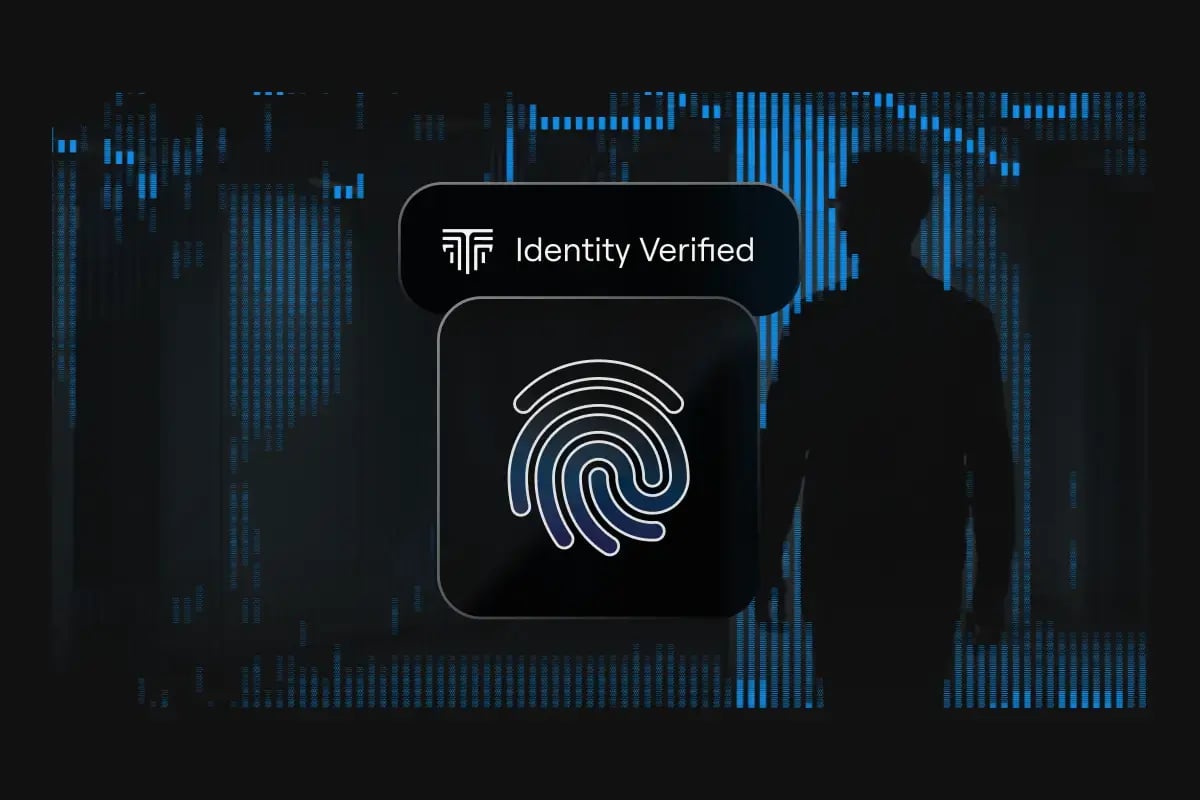
Token binds Salesforce access to a specific human. Before any login completes, the enrolled fingerprint of the authorized user is verified in hardware, on the device, with no cloud storage. That is not credential access. That is identity assurance.

How it works

Three steps. One certain Salesforce login.

Fast enough for everyday use. Strong enough for your most sensitive Salesforce environments. The fingerprint stays on the device. The cryptography does the rest.

Step 1

Present the authenticator

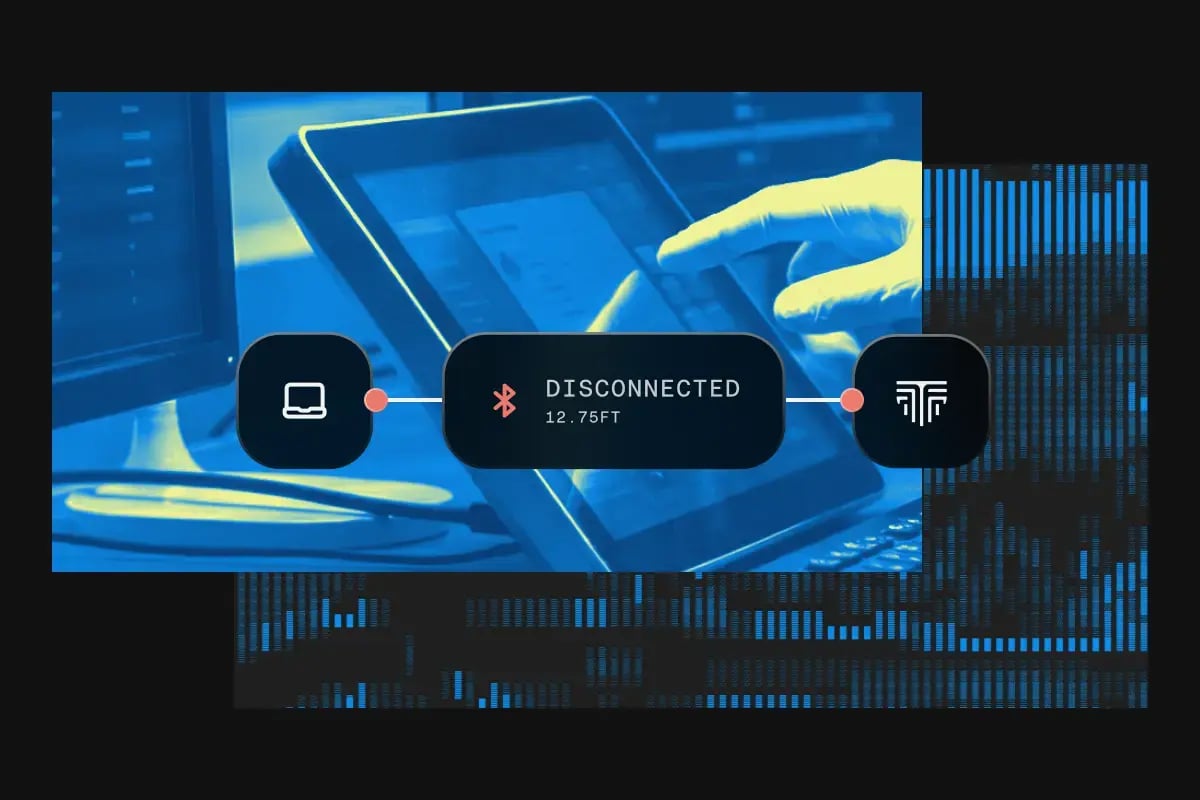
Wireless and cross-platform. Works across laptops, desktops, phones, and tablets. No special setup at login time.

Step 2

Fingerprint verified on-device

The biometric template never leaves the device. Match-on-chip means no biometric data reaches Salesforce, your network, or any cloud.

Step 3

FIDO2 / WebAuthn login completes

Authentication is cryptographically bound to the legitimate Salesforce origin. It cannot be replayed on a phishing site. Session proxying is structurally defeated.

The same assurance.
Your choice of form factor.

Same phishing-resistant identity assurance, different shapes for different hands. Want to feel it before you commit? Buy a single unit from our store, test it against your real Salesforce login, and see the assurance for yourself.

node@2x-1

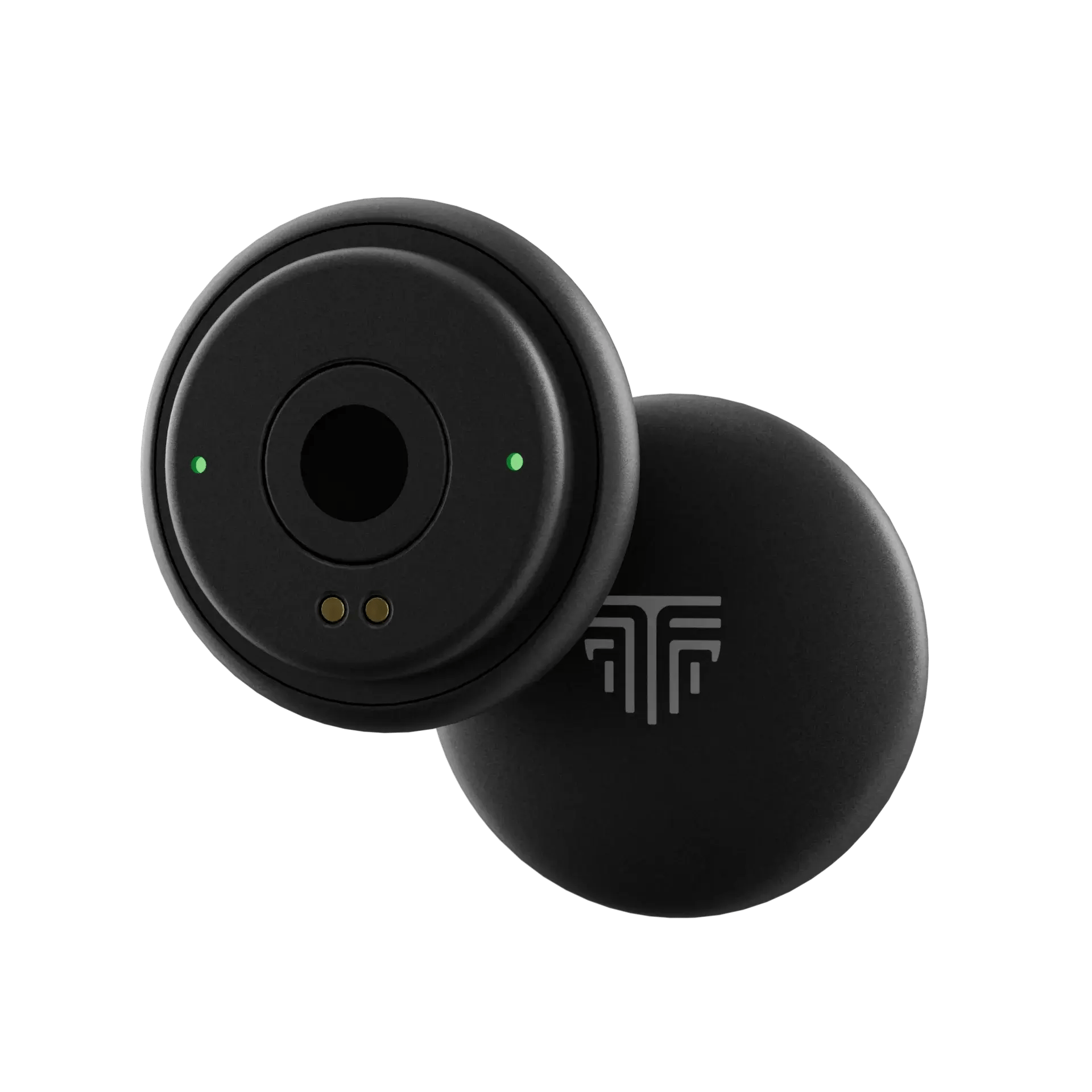
Node

Built for daily carry (lanyard-friendly) and fast, deliberate verification. Rear fingerprint sensor keeps human verification tied to the person, not just a credential.

  • FIDO2/WebAuthn + U2F compliant
  • BLE 5.3
  • 508 DPI fingerprint sensor
  • IP67-rated
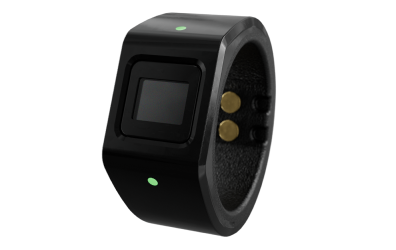
wearable-2

Wearable

Ring form factor stays with the user, increasing secure-use consistency across the workday. Supports frictionless biometric login with proximity-aware access over NFC/Bluetooth.

  • FIDO2/WebAuthn + U2F compliant
  • BLE 5.3 + NFC
  • 508 DPI fingerprint sensor
  • IP67-rated
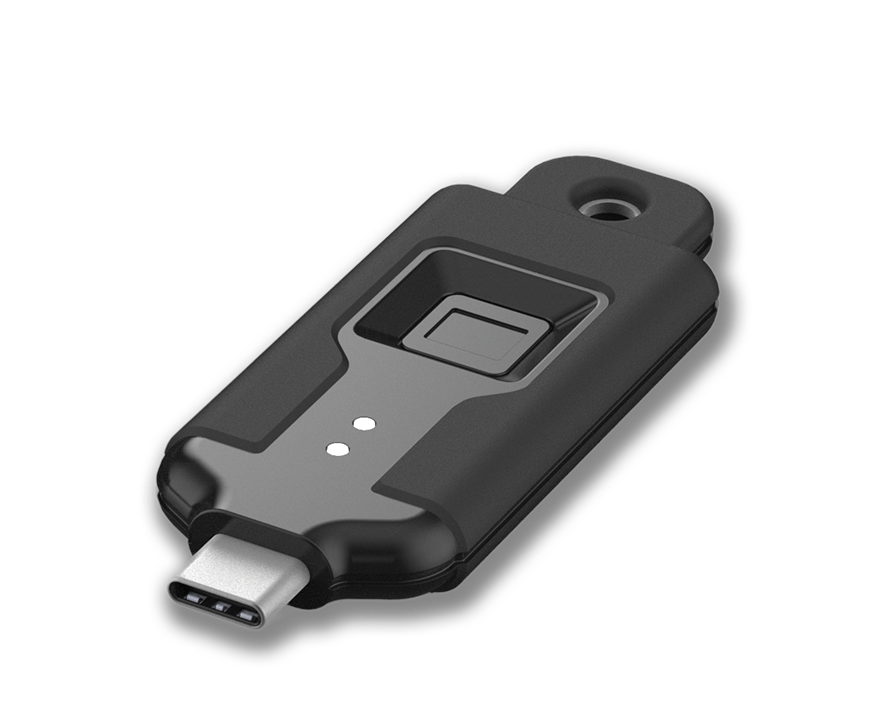
portable@2x

Portable

Wireless biometric stick form factor for workstation-first and mobile admin workflows. Designed for quick deployment where users need hardware-key plus biometric assurance.

  • FIDO2/WebAuthn + U2F compliant
  • BLE 5.3 + NFC
  • 508 DPI fingerprint sensor
  • IP67-rated
  • Optional use of USB-C

Why Token

The strongest Salesforce access standard. Available today.

Token is not another MFA factor. It is a better identity model, purpose-built for the requirements Salesforce is asking the ecosystem to adopt. It doesn't compete with your IAM stack. It completes it.

Phishing-resistant by design

FIDO2/WebAuthn authentication is cryptographically bound to the legitimate origin. A fake Salesforce page receives nothing it can use.

Identity, not just credential access

The enrolled fingerprint must match before login proceeds. Shared logins, account handoffs, and social engineering are closed off at the hardware level.

Hardware-bound private keys

The key material never leaves the device. No vault to compromise. No synced credential to exfiltrate. No cloud account to reset.

Fast enough for daily use

No code to read. No push to approve. No app to open. Verify with a fingerprint and the login completes. Security that slows people down gets bypassed. Token doesn't.

An unambiguous audit trail

Every Salesforce login is tied to a specific, biometrically verified human. Know who ran the export or changed the permission, not just which credential was used.

Works across your environment

Wireless. Cross-platform. Sandbox, production, and SSO. Compatible with the way your team actually uses Salesforce. Any device, any OS, office or remote.

Token vs. the alternatives

Everything a security key does for Salesforce. Plus proof of who's holding it.

A security key meets the requirement. It does not prove the person. Token closes that last gap, biometrically, at the hardware level. A key can be borrowed or passed around. A fingerprint cannot.

Capability Salesforce-compliant
Security Key Yes
Auth App / Push No
Token Yes
Capability Phishing-resistant
Security Key Yes
Auth App / Push No
Token Yes
Capability Biometric binding
Security Key No
Auth App / Push No
Token Yes
Capability Bound to one person
Security Key No
Auth App / Push No
Token Yes
Capability Per-login identity
Security Key No
Auth App / Push No
Token Yes
Capability FIPS 140-3 hardware
Security Key Partial
Auth App / Push No
Token Yes

Who it's for

Built for organizations where Salesforce access really matters.

From enterprise IT to the partners supporting them, Token closes the identity gap that phishable MFA leaves open.

finance-mh-gm

Salesforce admins & privileged users

Admins modify data, change permissions, export reports, and set the security posture of the whole org. Token closes the human accountability gap that password managers and push MFA leave open.

token-flow-map-1780655574369

Salesforce implementation partners

Many partners historically relied on shared admin credentials. Token makes each login biometrically accountable without disrupting support workflows. A cleaner answer for the whole partnership model.

tech-mh-gm

Enterprise security & IAM teams

Token integrates into existing IAM and SSO infrastructure. FIDO2/WebAuthn certification meets the technical standard Salesforce requires. FIPS 140-3 validated hardware satisfies regulated-industry requirements too.

health-mh-gm

Regulated & mission-driven organizations

Patient data, student information, donor records. If your Salesforce org holds sensitive data, the standard that applies to enterprise admins applies to you. Token delivers that protection at a scale that fits your team.

FAQ

The mandate, answered. No ambiguity.

What is phishing-resistant MFA?

Phishing-resistant MFA is authentication that cannot be intercepted, replayed, or relayed by an attacker. Instead of a shared secret like a one-time code or push approval, it uses cryptographic verification (FIDO2/WebAuthn, hardware security keys, or built-in authenticators) bound to the legitimate login origin. A fake page receives nothing it can use. Token adds a biometric layer on top, so the credential also proves the right person is present.

What are Salesforce's phishing-resistant MFA requirements?

Salesforce requires phishing-resistant MFA for all privileged users: anyone with the System Administrator profile, or the Modify All Data, View All Data, Customize Application, or Author Apex permissions. The setting is locked so it cannot be disabled, and users who have not registered a qualifying method are blocked at the login screen until they enroll.

When does the Salesforce phishing-resistant MFA mandate take effect?

Enforcement begins June 22, 2026 in sandboxes and July 1, 2026 in production. It is part of a wider set of 2026 Salesforce security changes, including MFA for all users and login IP restrictions. Privileged users who have not enrolled a qualifying method by the date are blocked from logging in.

Which authentication methods qualify as phishing-resistant for Salesforce?

Cryptographic methods that cannot be intercepted: FIDO2/WebAuthn authenticators, hardware security keys, and built-in platform authenticators such as Touch ID, Face ID, and Windows Hello. Token is a FIDO2/WebAuthn hardware authenticator, so it qualifies, with biometric match-on-chip as the differentiator.

Do TOTP apps or push notifications qualify? (Google Authenticator, Authy, Microsoft Authenticator)

No. For privileged users, TOTP authenticator apps and push-based approvals do not qualify as phishing-resistant. Both rely on a code or prompt that can be captured or relayed in a real-time phishing attack. They must be replaced with a qualifying cryptographic method before the enforcement date.

Is FIDO2 / WebAuthn phishing-resistant?

Yes. FIDO2/WebAuthn binds each login cryptographically to the real origin domain. The credential will not respond to a lookalike phishing page, and the private key never leaves the device. It is the standard Salesforce points to, and the standard Token is built on.

How is Token different from a YubiKey or standard security key?

A standard security key proves possession of the key, but a key can be shared, borrowed, or handed off. Token adds biometric match-on-chip: the enrolled fingerprint must verify before the credential will authenticate. So Token does everything a security key does for Salesforce compliance, and proves the right person is using it.

Does Token store my biometric data?

No. The fingerprint template is created and matched entirely on the device. It never leaves the hardware, and it is never sent to Salesforce, your network, or any cloud account. Verification happens on-chip.

Does Token work with Salesforce SSO and our existing IAM?

Yes. Token integrates into existing IAM and SSO infrastructure through FIDO2/WebAuthn. It works across sandbox, production, and federated SSO flows. Token doesn't replace your access stack. It completes it with an assurance layer.

How quickly can we roll Token out to our Salesforce admins?

Fast enough to clear the enforcement deadline. Enrollment is per-user and works across any device or OS. Speak with our team and we'll map deployment to your privileged-user population and SSO setup.

Get started

Secure your Salesforce access with Token.

See how Token deploys in your Salesforce environment, and how quickly your admins and privileged users can be protected before the enforcement date.

Fill out the form to get in touch with one of our Sales Engineers. If you want to accelerate, test, and feel the product more quickly, for a proof of concept, go ahead and access our form factors at our store to order a small batch.