Setup

How TokenCore™ Security Keys Work

Getting started takes minutes. Register your key, verify with your fingerprint, and sign in.

This page covers how TokenCore™ authenticates you, how to set up your key, and where to find the guide for the product you own.

The Technology

Four Layers. One Proof.

How TokenCore™ Security Keys Work

Most sign-in methods check something you know or something you were sent. A password, a code, a prompt. All of it is information, and information moves.

TokenCore™ starts with FIDO2, the open standard that replaces passwords with cryptography, then adds the layers that prove a person is behind the request. Your fingerprint. The real domain. Physical presence.

Together they answer the only question that matters at sign-in: is the authorized human here?

FIDO2 Passwordless Authentication

TokenCore™ uses the FIDO2 standard to replace passwords with hardware-backed authentication. A key pair is created on the key itself. The private half never leaves it, and the service only ever sees the public half. Authentication runs on cryptographic keys instead of passwords, so there is no shared secret and no credential to steal.

  • Public key cryptography
  • Passwordless sign-in
  • Phishing-resistant authentication
  • Secure authentication without shared secrets
  • Cross-platform compatibility
  • Support for passkeys
Fido2 Passwordless Authentication

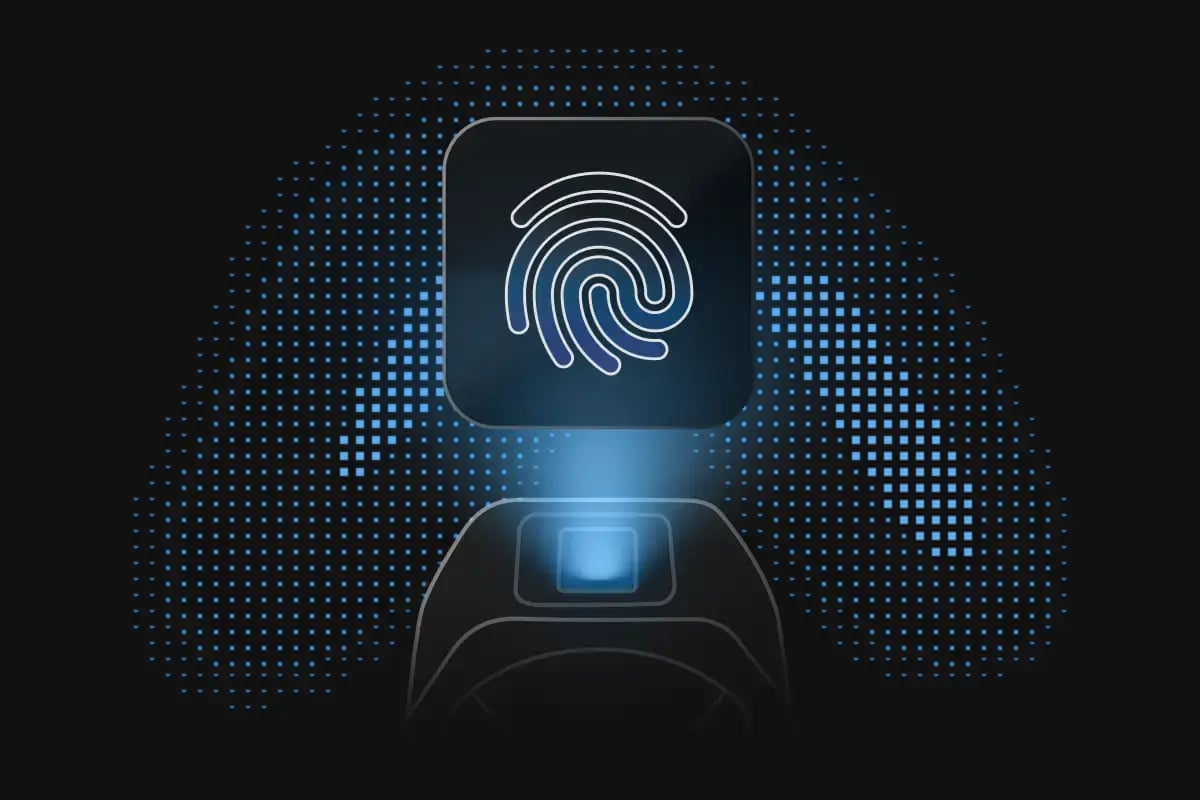
Biometric Fingerprint Enforcement

Supported TokenCore™ products require fingerprint verification before authentication completes. The match happens on the key, inside an EAL5+ certified secure element, and your biometric data stays there. Authentication requires both the key and the authorized person. Lose one and access does not happen.

  • Fingerprint verification performed on the device
  • Biometric data remains securely stored on the device
  • Ensures the registered user is present
  • Prevents unauthorized use if a device is lost or stolen
  • Adds an additional layer of identity assurance
Biometric Fingerprint Enforcement

Cryptographic Domain Binding

Every credential is bound to the domain it was registered with. A convincing copy of your bank's login page can look identical and still receive nothing, because the credential it is asking for does not exist there. Phishing is not reduced. The attack has nothing to work with.

  • Credentials are bound to the registered domain
  • Prevents authentication on spoofed or fraudulent websites
  • Protects against phishing attacks
  • Works seamlessly with FIDO2 authentication
  • Strengthens trust between users and online services
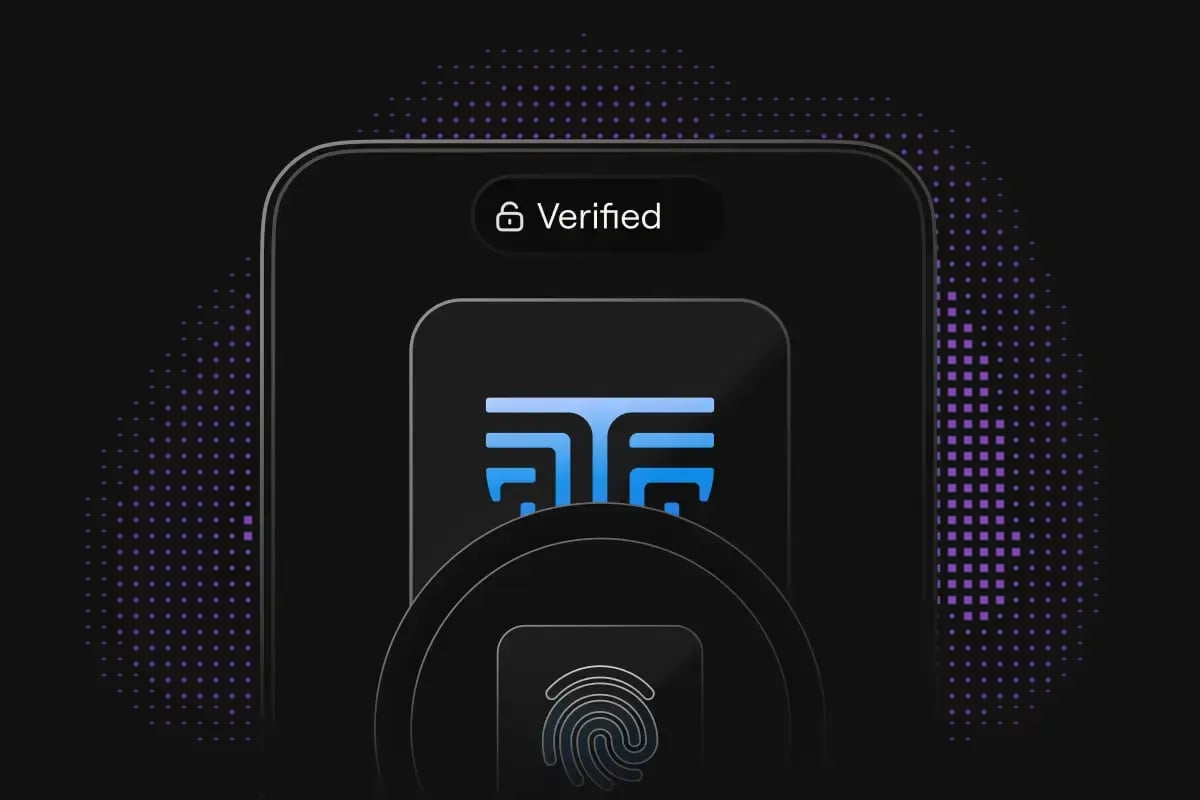
Cryptographic Domain Binding

Proximity-Based Assurance

Supported TokenCore™ products confirm the authorized key is physically nearby before access is granted. Sign-in stays fast in shared spaces and on borrowed screens, because presence is proven rather than assumed. The authorized person is there, or the session does not open.

  • Detects when the authorized security key is nearby
  • Supports secure authentication in shared environments
  • Helps verify user presence
  • Enables seamless authentication experiences
  • Reduces friction without compromising security
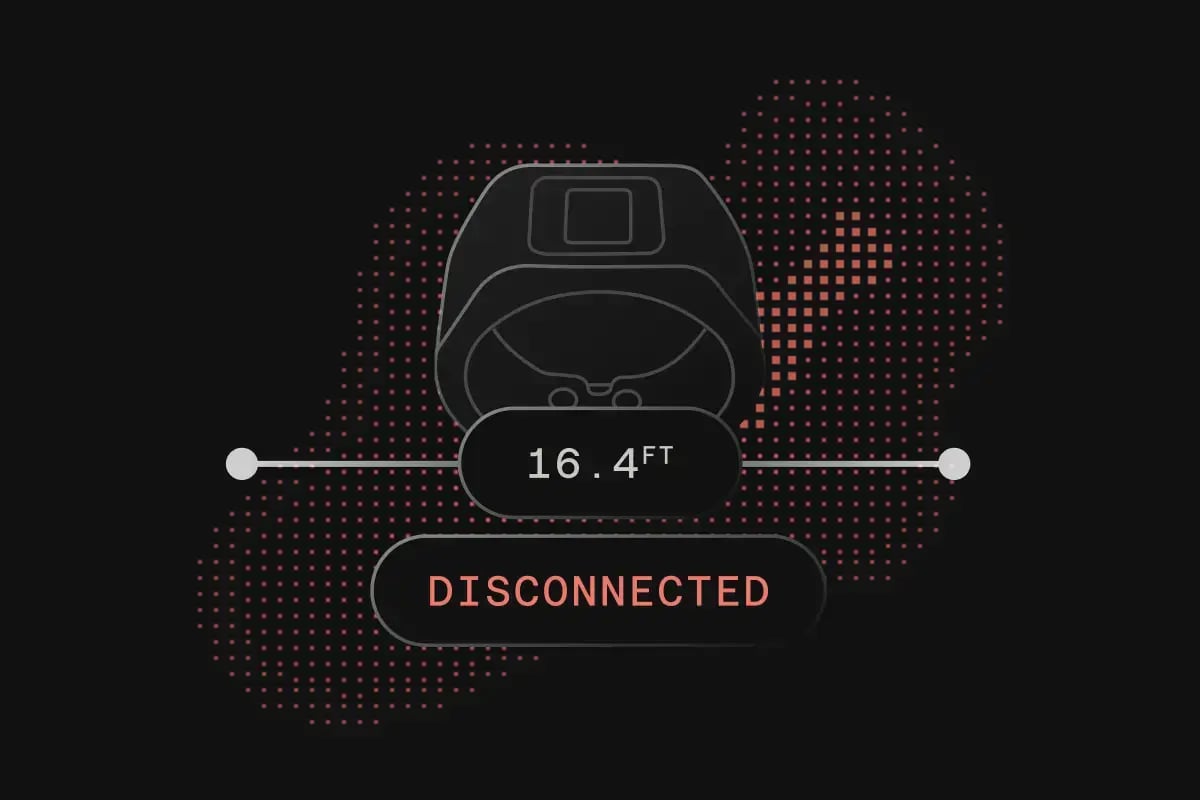
Proximity Based Assurance

Getting Set Up

Setting Up Your TokenCore™ Device

Three steps, once per account. You will be signing in with your fingerprint before the kettle boils.

Open the security settings of the service you want to protect and add your TokenCore™ key. Any FIDO2-compatible service supports this, and the option is usually listed as a security key or passkey.

Confirm it is you, using the method your product supports. Touch, fingerprint, NFC, Bluetooth, or PIN. The credential is created and locked to your key at this moment.

From now on, sign-in is your fingerprint. No password box, no waiting for a code, no app to open. Access is granted or it is not.

Compatibility

Compatible Platforms

TokenCore™ keys use FIDO2 and WebAuthn, the open standards the major platforms already support. If a service offers security key sign-in, your TokenCore™ key works with it.

Microsoft

Entra ID, Microsoft 365, Windows sign-in, and personal Microsoft accounts.

Google

Google Workspace and personal Google accounts, including Advanced Protection.

Apple

Apple ID and passkey sign-in across macOS, iOS, and iPadOS.

Enterprise Identity Providers

Okta, Ping, Duo, and the other providers your organization already runs. TokenCore™ sits on top of the stack you have.

Password Managers

1Password, Bitwarden, Keeper, and others. Your entire vault behind a fingerprint.

Cryptocurrency Platforms

Coinbase, Binance, Kraken, and the exchanges and wallets that support security keys.

TokenCore™ App

Set Up. Pair. Ready.

Download the TokenCore™ app

The TokenCore™ app is where compatible keys are set up and managed. Register your key, pair it, configure how it authenticates, and keep it ready to use.

Same app on every platform. Start on your phone or your desktop, whichever is in front of you.

Available on iOS, Android, macOS, and Windows

Download for the platform you use. Your keys and settings stay in step across all of them.

Mobile Apps

What You Can Do with the App

  • Register and activate your TokenCore™ device
  • Manage compatible security keys
  • Configure authentication settings
  • Pair Bluetooth-enabled devices, where supported
  • Access product information and setup guidance
  • Keep your device ready for secure authentication

The Process

Getting Started

Three steps from opening the app to signing in with your fingerprint. Download, pair, register. The app walks you through each one, and you only do it once.

Get the TokenCore™ app for iOS, Android, macOS, or Windows.

Connect your compatible TokenCore™ device by following the instructions in the app.

Add your security key to your accounts and start authenticating with your fingerprint.

Resources

Product Setup Guides

Step-by-step instructions for every TokenCore™ product. Find yours below.

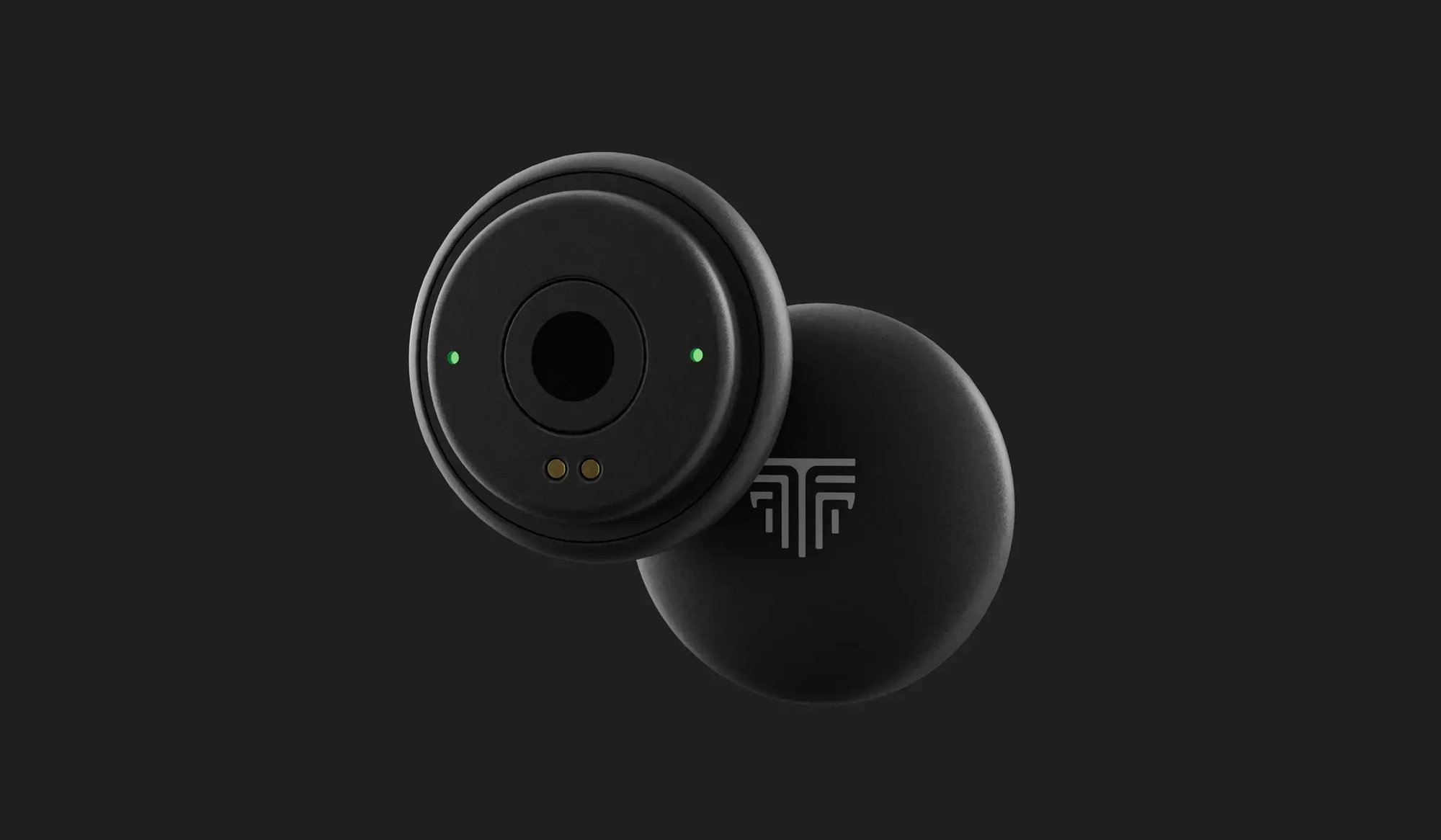
TokenCore Node in black, rear fingerprint sensor facing up

Node User Guide

The complete manual for the TokenCore™ Node. Fingerprint enrollment, connection options, and everyday use, start to finish.

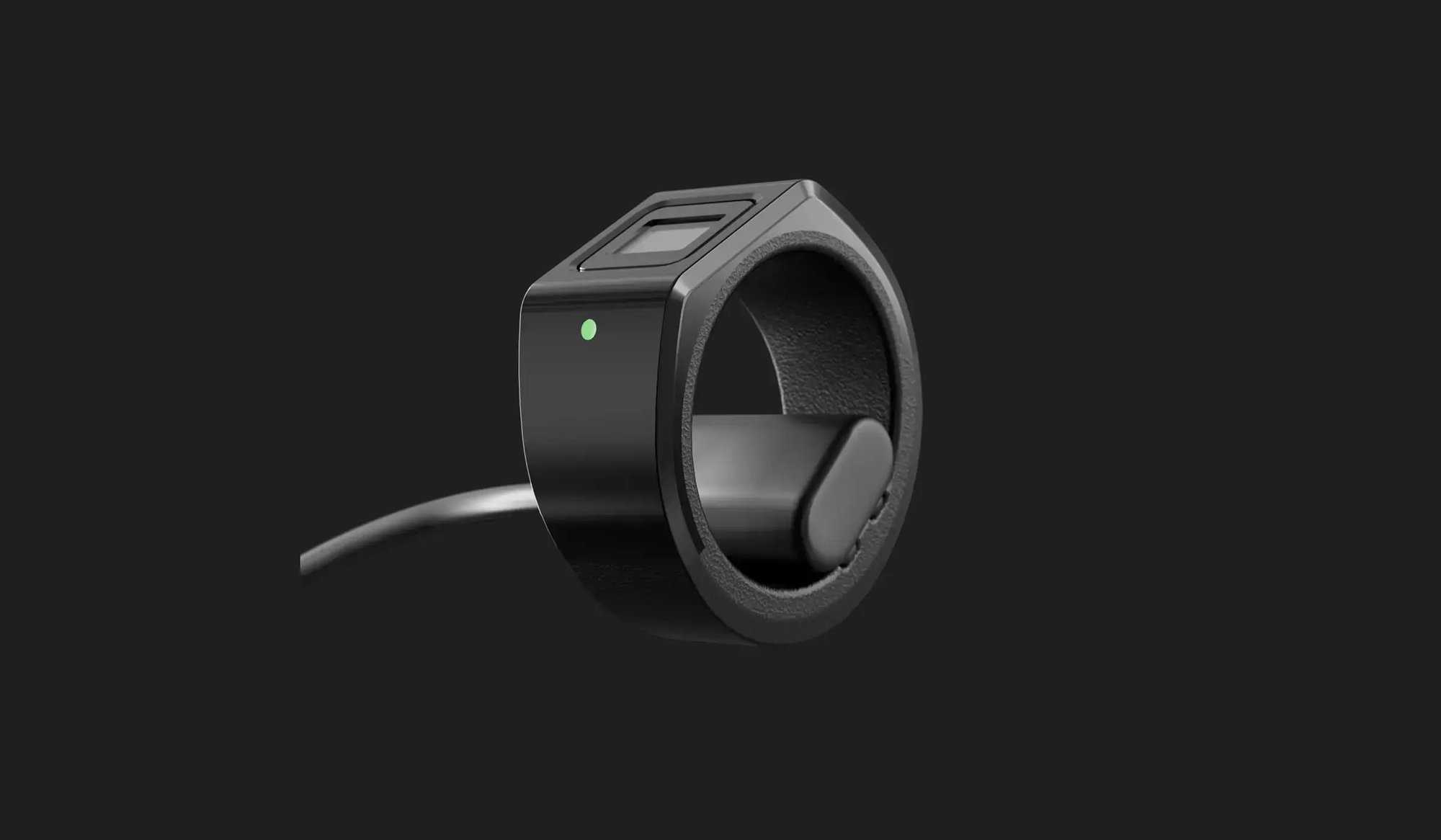
wearable-2

Wearable User Guide

The complete manual for the wearable range. Charging, fingerprint enrollment, pairing, and everyday use.

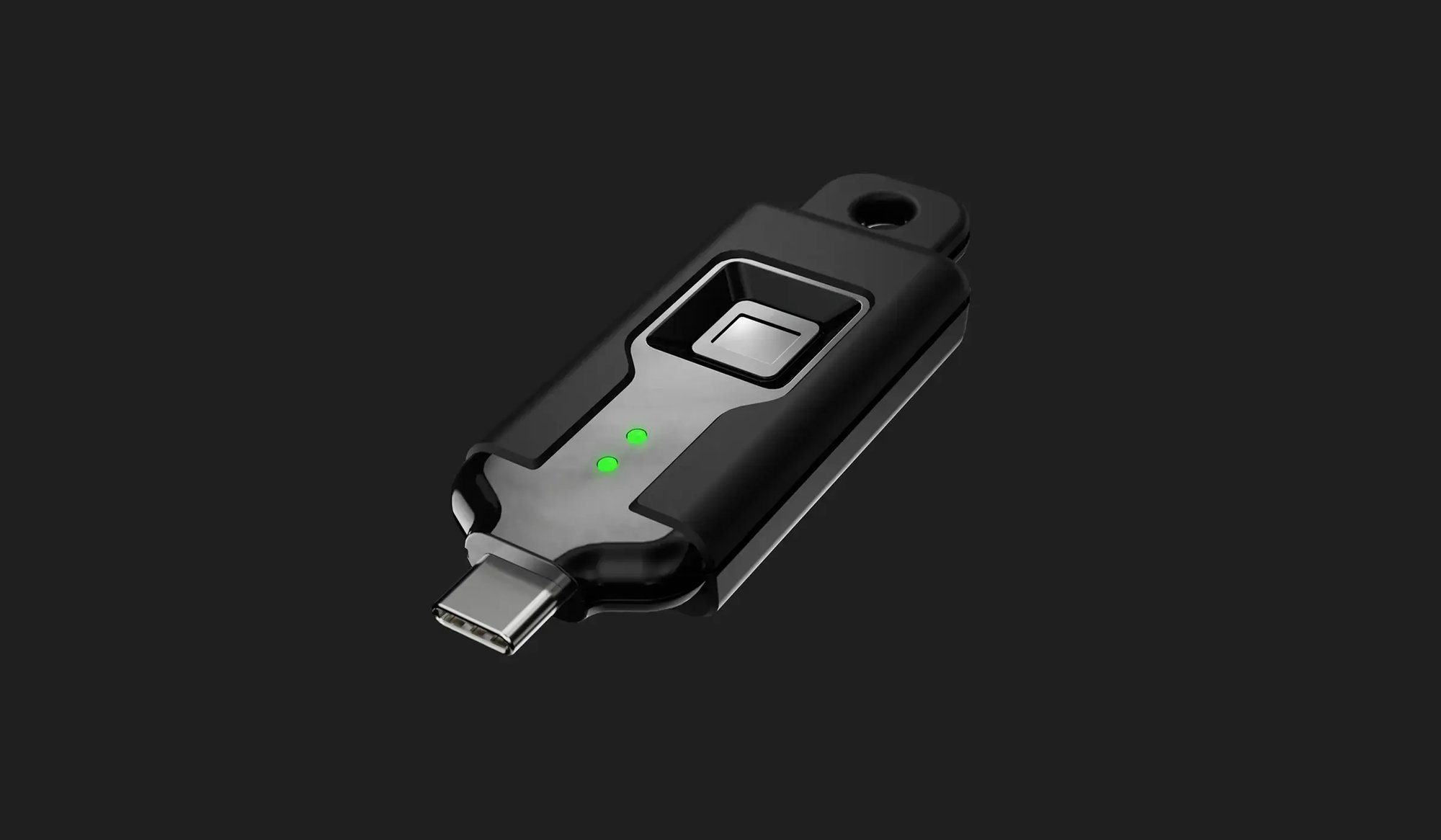
portable-1-1

Portable User Guide

The complete manual for the portable range. Fingerprint enrollment, USB and wireless connection, and everyday use.

Videos

Video Tutorials

TokenCore™ Wearable Setup

A full walkthrough of first-time setup and fingerprint enrollment.

Bluetooth Pairing on Windows

How to pair your TokenCore™ Wearable with a Windows machine over Bluetooth.

NFC on iOS and Android

Using the TokenCore™ Wearable as an NFC security key on your mobile device.

Windows Login with TokenCore™ Wearable

See how fast a verified fingerprint replaces a password at Windows login.

Get Started

Ready to Get Started?

Already have a TokenCore™ security key? Open the guide for your product above and set it up in minutes.

Still deciding? Browse the complete range and find the key that fits how you work.