Device-Bound Passkeys
Go Beyond Verifying Access. Verify the Human.
Biometric hardware passkeys: secure FIDO2 authentication for enterprise
Hardware passkeys changed enterprise authentication. TokenCore™ is the only passkey that offers biometric proof for assured identity. Discover how TokenCore™ combines FIDO2, cryptography, biometric hardware and enterprise security controls to protect your organization beyond passwordless authentication.
Access is bound to the authorized human, verified in real time.

The Basics
Safeguard your team's login credentials.
What are hardware passkeys?
A FIDO passkey is a cryptographic key pair. The public key sits with the service. The private key stays on the authenticator and is never transmitted, stored on a server, or typed.
A hardware passkey holds that private key inside a dedicated secure element you can carry. There is no shared secret in the exchange, so there is no credential to steal.
FIDO2 Passkey Authentication
The open standard behind passwordless sign-in. The service issues a challenge, the authenticator signs it, and access follows. Nothing reusable crosses the wire.
WebAuthn
The browser and platform API that carries FIDO2 to the login screen. Supported across Windows, macOS, iOS, Android, and every major browser.
Public Key Cryptography
Two keys, one exchange. The public key is useless on its own. The private key never leaves the secure element, so a breached server exposes nothing worth taking.
Passwordless Authentication
No password to set, reset, reuse, or leak. The help desk reset path, the most reliable way into an enterprise, closes with it.
Device-Bound Credentials
A biometric passkey is generated on the hardware and stays there. It cannot be exported, synced to a cloud account, or copied to a second device.
USB Passkeys and NFC
A direct connection at the workstation, a tap at the phone or reader. The same cryptographic proof either way.
The Shift
Passwords Out. Proof In.
Why organizations are moving to hardware passkeys
Enterprise authentication is moving to hardware for one reason. It removes whole categories of attack instead of managing them.
Passwords Eliminated
No stored hash, no reuse across systems, no credential marketplace listing. The password attack surface is gone rather than defended.
Phishing Resistance
Credentials are bound to the legitimate domain. A convincing replica site receives nothing, because the authenticator refuses to sign for it. Phishing is structurally eliminated.
Faster Sign-In
One deliberate action replaces a password, a prompt, and a wait for a code. Sign-in time drops and password reset tickets stop arriving.
Compliance Evidence
Phishing-resistant MFA is named in CMMC, NIST, PCI DSS, HIPAA, and NYDFS guidance. Hardware passkeys produce authentication records that stand up to an assessor.
Zero Trust Enforcement
Zero Trust starts with a verified identity. A hardware passkey supplies proof at every access decision instead of trust inherited from a session.
Enterprise-Grade Authentication
Central enrollment, policy, attestation, and revocation. Authentication becomes an administered control rather than a user choice.
Microsoft, Google, and Apple Support
Passkeys are supported natively across Microsoft Entra, Google Workspace, and Apple platforms. The standard is settled, so the decision is which passkey to deploy.
Identity Assurance
Attackers now Target Enrollment.
Not all hardware passkeys deliver the same level of identity assurance
Passkeys protect the authentication event. Cryptography excels here.
The credential lifecycle around it is a different question. A passkey proves a registered authenticator is present. It does not prove who registered it, who is holding it now, or who called the help desk asking for a replacement. Attackers target the person and the enrollment.
Passkeys protect cryptography. Identity assurance protects the entire credential lifecycle.
A passkey inherits the trust of the moment it was registered. Enroll an unverified person and the cryptography protects the wrong human perfectly.
Every recovery path is an alternative way in. Where recovery falls back to a code, an email, or a phone call, that is the route an attacker takes.
A lost authenticator triggers a replacement. Without proof of the person at that moment, replacement becomes the fastest issued credential in the organization.
Possession proves the authenticator is present. A fingerprint matched on the hardware proves the individual is present. One of one. Proven.
Which authenticators are permitted, who may enroll, what happens on revocation. Policy is what turns a set of credentials into an enforced standard.
Synced passkeys vs human-bound passkeys

The Report
Cryptography is not where Passkeys Fail
Passkeys are not completely secure unless they are tied to dedicated biometric hardware
Learn how attackers exploit passkey enrollment rather than breaking passkey cryptography, and why dedicated biometric hardware strengthens enterprise identity assurance.
The Standard
Six Things to Verify Before You Deploy.
What makes a high-assurance hardware passkey
Every FIDO2 passkey satisfies the standard. What separates them is everything the standard leaves to the vendor. These are the questions to put to any authenticator before it reaches your users.
Dedicated Hardware
The credential is created inside a secure element and stays there. It is not held in software, not synced to an account, and not recoverable from a backup.
- Hardware-bound credentials
- Secure element storage
- Private keys never leave the hardware
- Trust tied to a specific authenticator

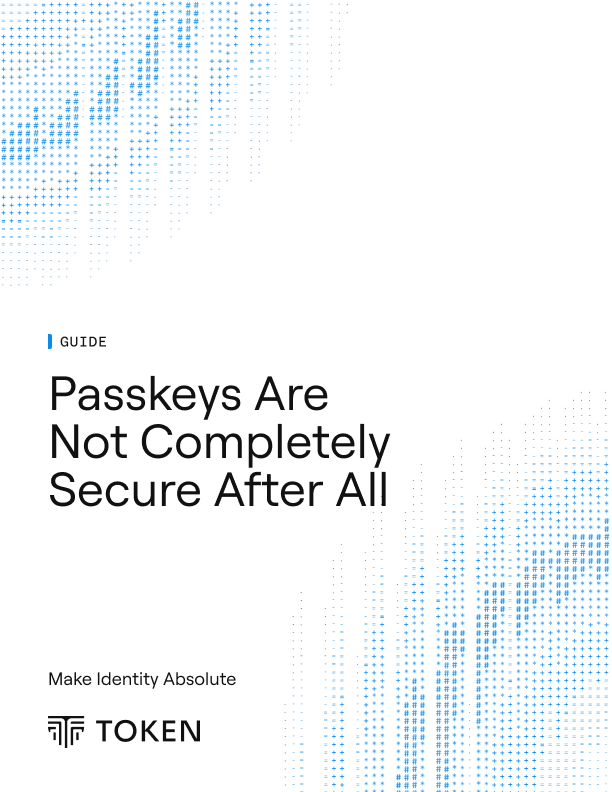
Biometric Fingerprint Enforcement
A live fingerprint is matched on the hardware before the credential will sign anything. The template never leaves the secure element and never reaches a server. No fingerprint, no access.
- Live fingerprint verification
- Matched on-device
- A found or stolen authenticator is inert
- Bound to the individual
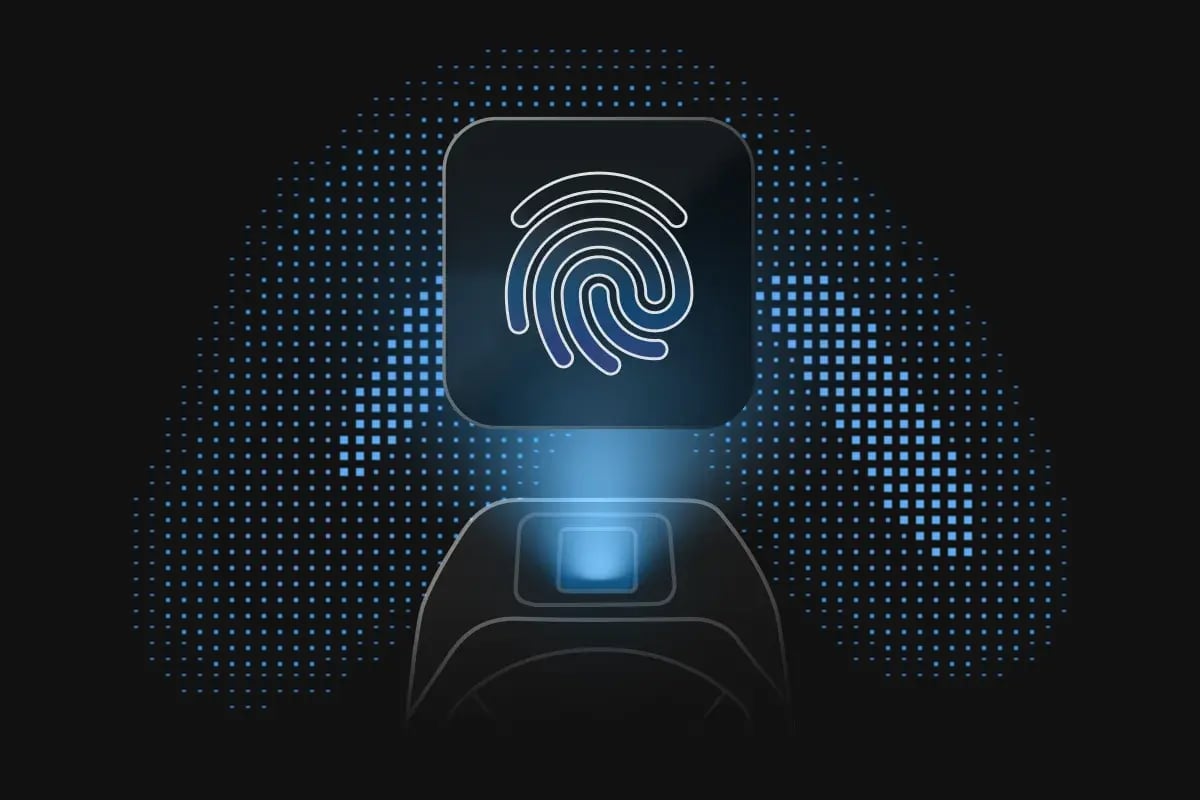
Cryptographic Domain Binding
Each credential is tied to the legitimate service that issued it. Present it to a lookalike domain and the authenticator does not respond.
- Credentials tied to legitimate services
- Origin-bound authentication
- Trusted relying parties
- Nothing to phish
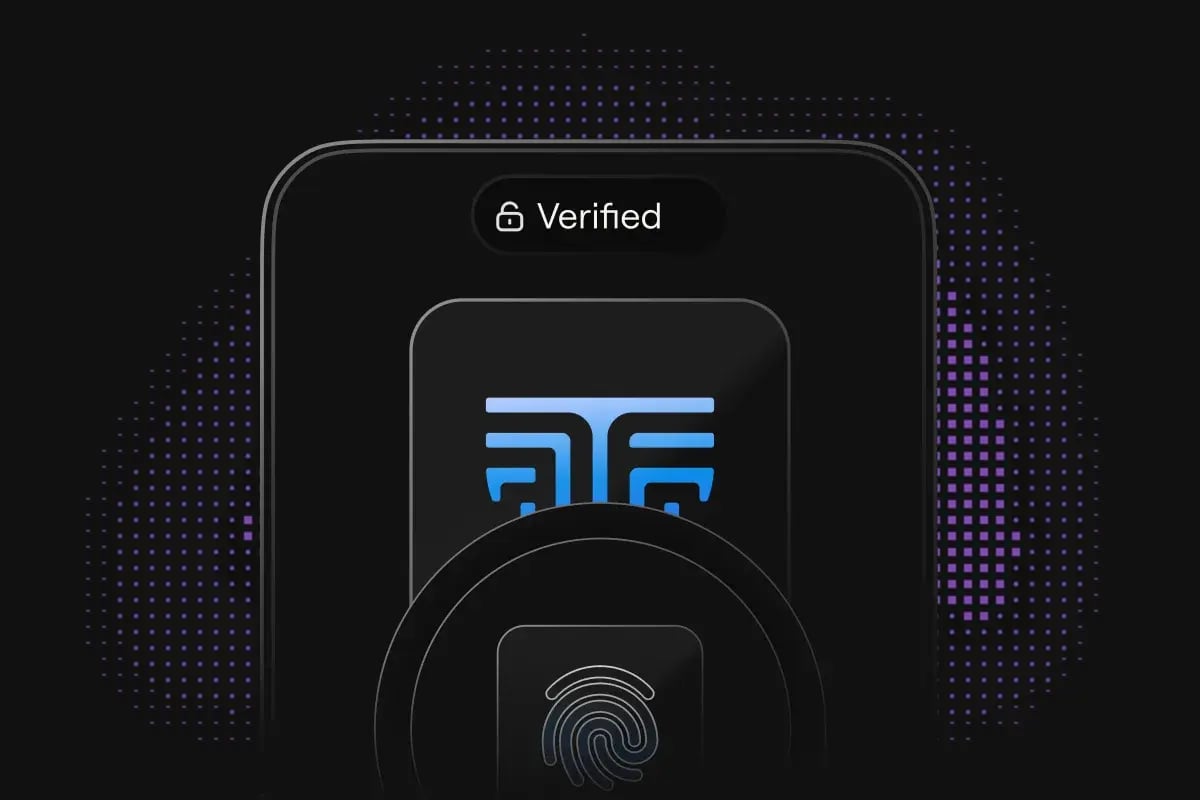
Physical Proximity Assurance
Authentication requires the authenticator to be physically present with the user. Remote sessions cannot be handed off, and access does not follow a stolen session across the world.
- Physical presence confirmed at every access event
- Remote abuse eliminated
- Present or not
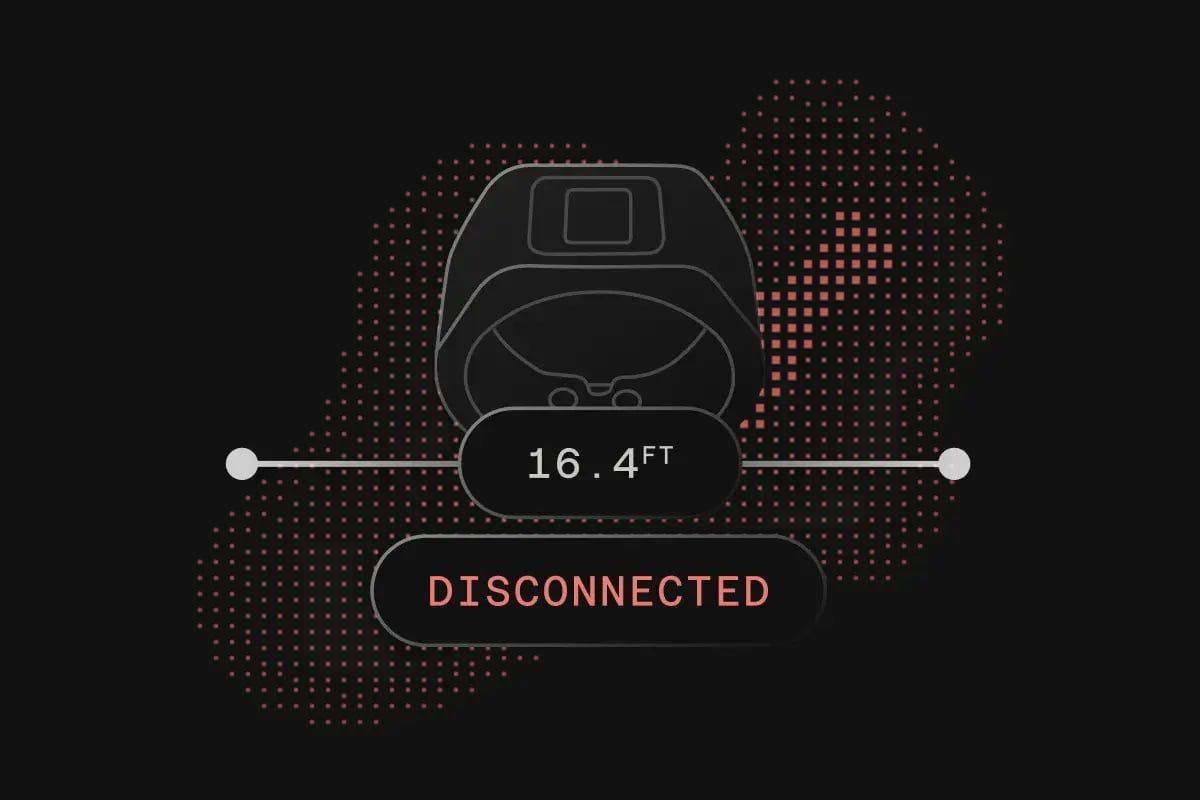
Device Attestation
The authenticator proves what it is at registration. Enterprises approve the models they trust and reject everything else, including consumer passkeys registered from personal devices.
- Approved authenticators only
- Verified hardware provenance
- Authenticator Attestation GUID (AAGUID)
- Enterprise-controlled trust
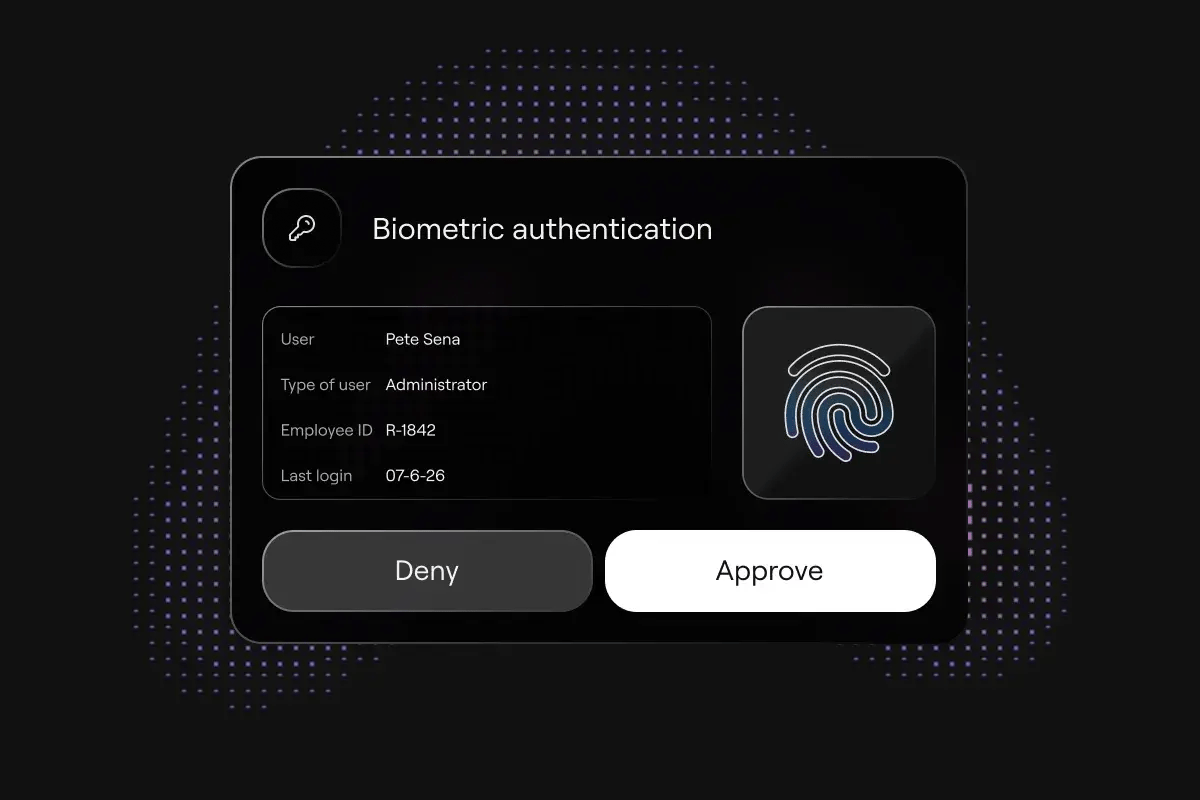
Enterprise Lifecycle Control
Enrollment, replacement, recovery, and revocation administered centrally. Firmware updates over the air, so authenticators are upgradeable by design rather than replaced.
- Verified enrollment
- Controlled recovery
- Immediate revocation
- Over-the-air updates
- Central policy management
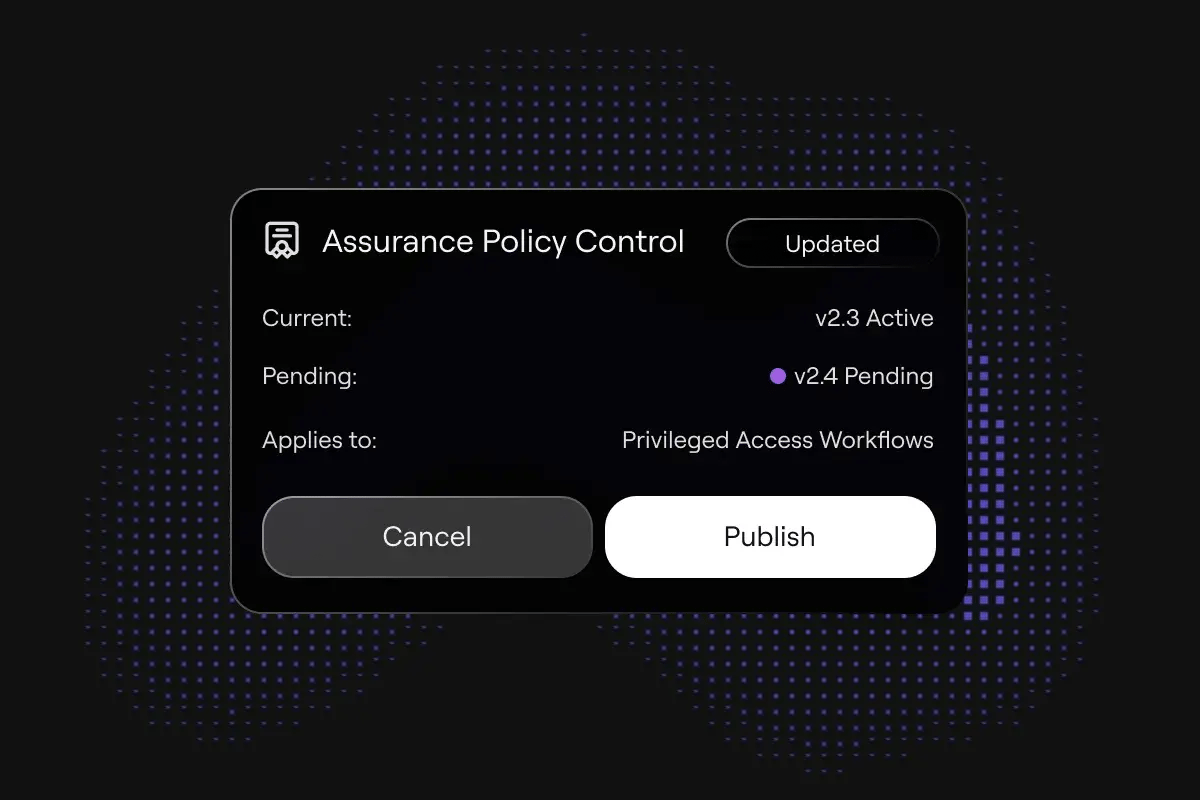
Product Suite
One Standard. Multiple Form Factors.
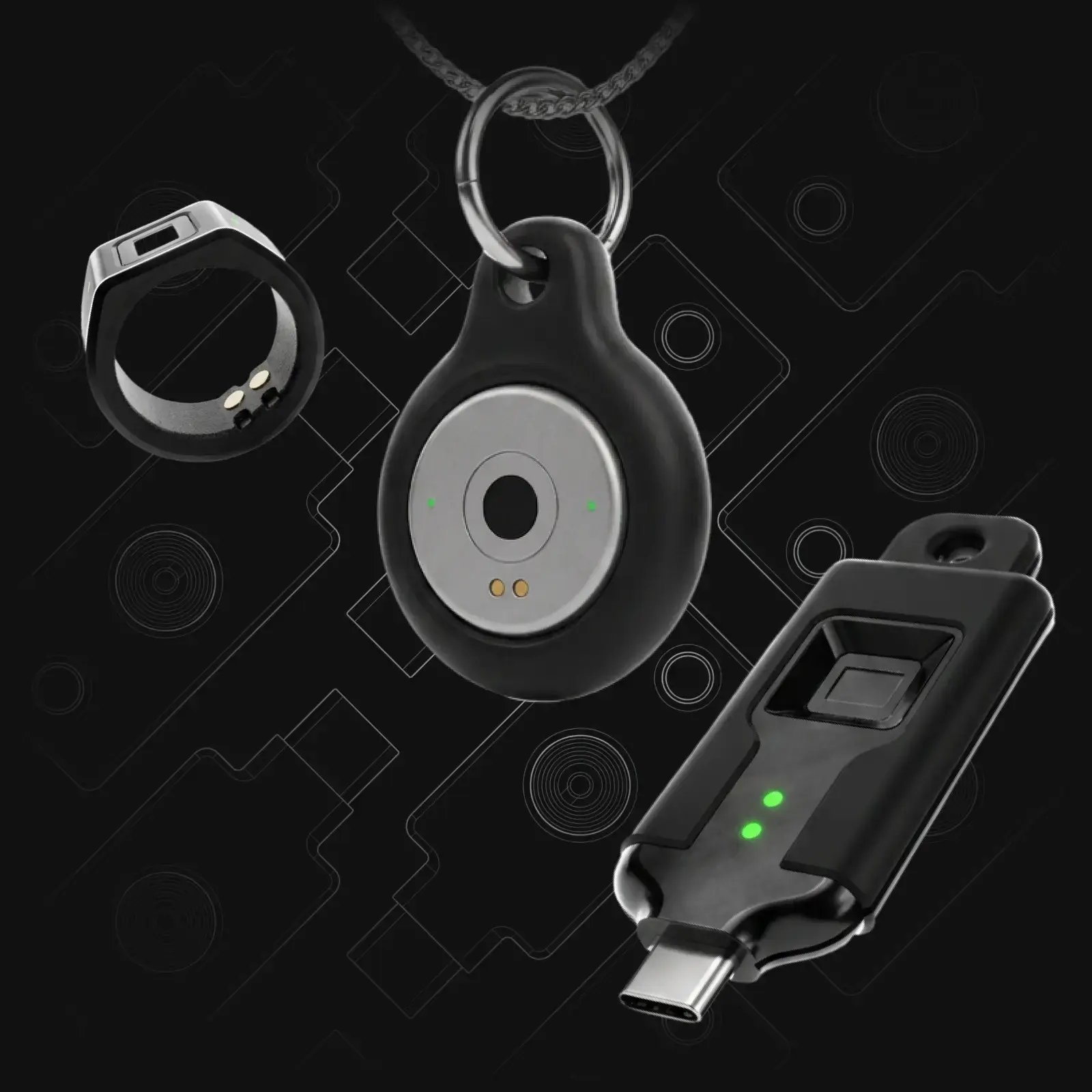
Explore the TokenCore™ product range
Same FIDO2 L1 certification, same EAL5+ secure element, same biometric verification. Choose the form factor that matches how your people work.
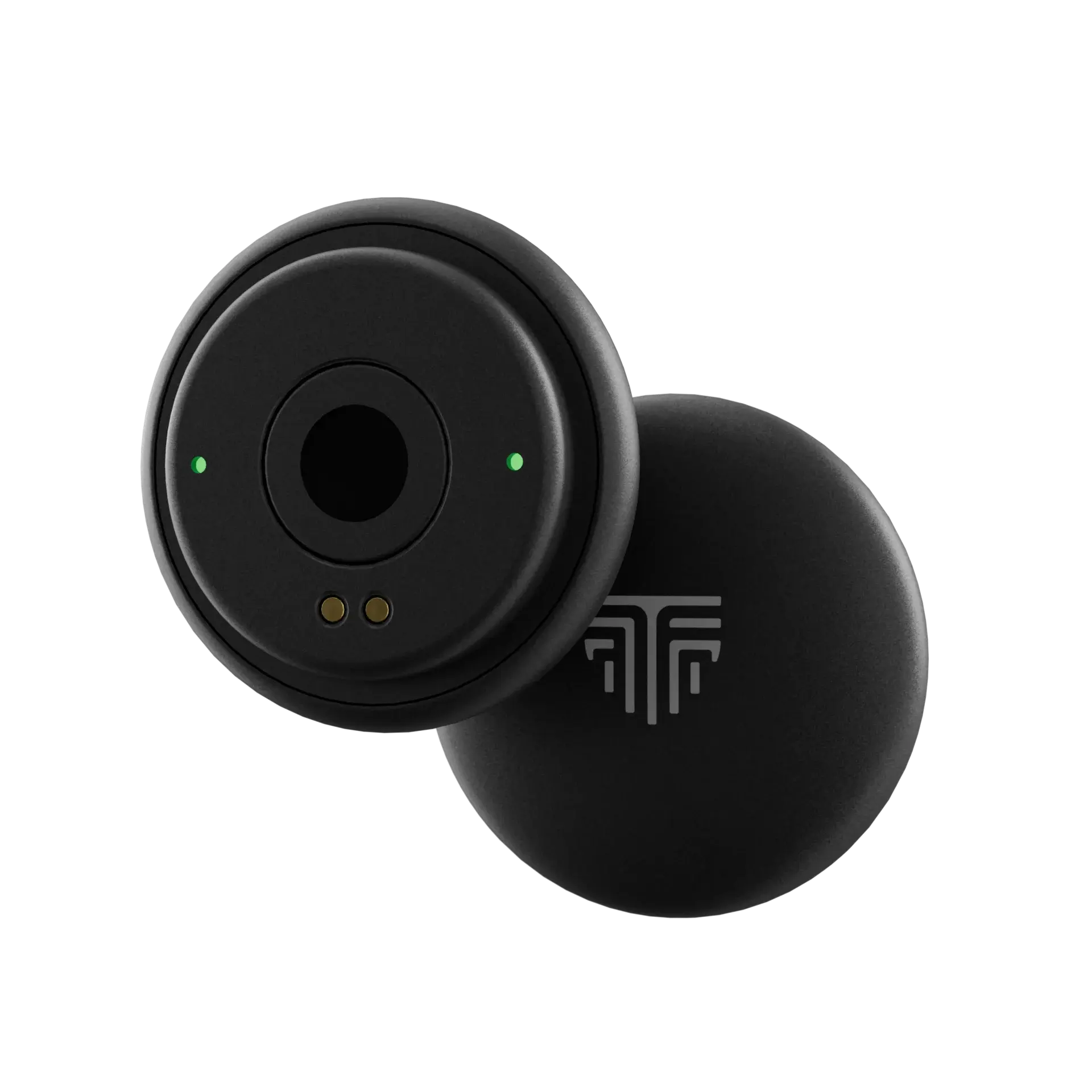
Node
Built for daily carry (lanyard-friendly) and fast, deliberate verification. Rear fingerprint sensor keeps human verification tied to the person, not just a credential.
- FIDO2/WebAuthn + U2F compliant
- BLE 5.4
- 508 DPI fingerprint sensor
- IP65-rated
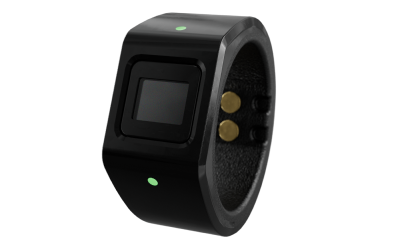
Wearable
Ring form factor stays with the user, increasing secure-use consistency across the workday. Supports frictionless biometric login with proximity-aware access over NFC/Bluetooth.
- FIDO2/WebAuthn + U2F compliant
- BLE 5.4 + NFC
- 508 DPI fingerprint sensor
- IP67-rated
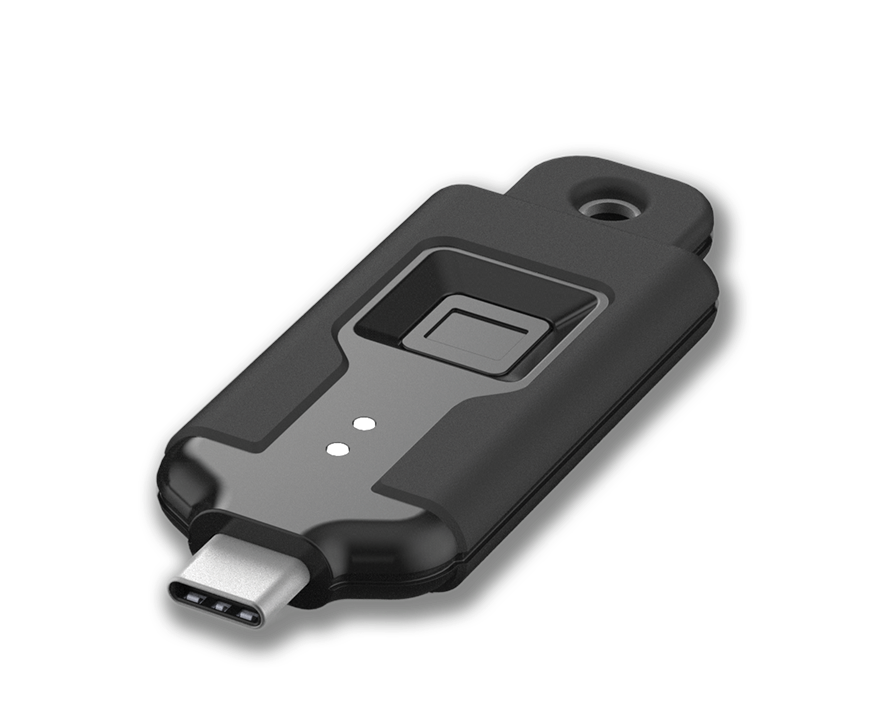
Portable
Wireless biometric stick form factor for workstation-first and mobile admin workflows. Designed for quick deployment where users need hardware-key plus biometric assurance.
- FIDO2/WebAuthn + U2F compliant
- USB-C (Portable)
- USB-C, BLE 5.4 + NFC (Portable+)
- 508 DPI fingerprint sensor
- IP65-rated

When Stakes Are Highest, Identity Must Be Certain.
Built for highly regulated organizations
Healthcare
Clinicians move between shared workstations all shift. Each session opens for the person at the keyboard and closes with them.
Insurance
Strengthen identity controls around claims, underwriting, privileged access, sensitive records, and regulated workflows.
Aerospace & Defense
Classified systems, defense networks, and mission-critical infrastructure. High assurance is the requirement, and identity is the control that cannot fail.
Technology
Developer identities hold source code, cloud consoles, and production. Privileged access is bound to the individual, verified in real time.

Financial Services
Privileged access to trading, payment, and core banking systems, bound to a verified individual. Every access event ties back to a proven human.
Microsoft Entra
Moving Passwordless is step one.
Microsoft Entra passkey migration
Microsoft recommends passkeys as part of its passwordless strategy, and Entra supports them natively. The standard is settled. What remains is the enterprise decision underneath it.
Which authenticators are permitted. How users are enrolled. How credentials are attested. What happens when one is lost. Configured deliberately, a passkey rollout becomes an enforced standard rather than a set of individual choices.

The Deployment Guide
Configured Once. Enforced for Everyone.
Locking Microsoft Entra to TokenCore™ hardware-bound biometric authentication
Download the deployment guide for configuring Microsoft Entra with:
- TokenCore™-only passkey profiles
- Device-bound authenticators
- Authenticator attestation
- AAGUID allow lists
- Conditional Access policies
- Secure enrollment
- Recovery protection
Use Cases
Where Device-Bound, Hardware Passkeys Win.
Common hardware passkey use cases
Privileged Administrators
Domain admin, cloud console, and root access held to proof of the person at every elevation.
Shared Clinical Workstations
Fast switching between clinicians, with every record access tied to the individual who opened it.
Financial Services
Trading floors, payment systems, and privileged banking access, where a shared session is a reportable event.
Manufacturing Environments
Plant floor terminals and operational technology, where the login has traditionally belonged to the shift rather than the operator.
Government
Agencies and contractors operating under phishing-resistant MFA mandates, with authentication evidence assessors accept.
Remote Workers
Access granted from anywhere, proven by the person present. A stolen session travels no further than the authenticator does.
Passwordless Enterprise Login
Windows, macOS, VPN, VDI, and SaaS reached with one verified action and no password behind any of them.
High Assurance Identity
Any system where an authorized credential is not enough, and the organization needs proof of the authorized human.
Next Step
Make Identity Absolute
Build a stronger passkey strategy
Passkeys are the right move toward passwordless authentication. Enterprise identity assurance takes more than cryptography alone.
TokenCore™ combines dedicated biometric hardware, FIDO2 authentication, and enterprise policy control across the full credential lifecycle. Talk to us about deploying high-assurance hardware passkeys across your organization.
FAQs
Asked Often. Answered Once.
Common questions about FIDO passkeys
What is a FIDO passkey?
A FIDO passkey is a cryptographic key pair created under the FIDO2 and WebAuthn standards. The public key is held by the service. The private key stays on the authenticator, is never transmitted, and is never stored on a server. Sign-in happens when the authenticator signs a challenge. No shared secret crosses the wire, so there is no credential to steal.
What is the difference between a FIDO2 passkey and a synced passkey?
Where the private key lives. A synced passkey is copied through a platform or cloud credential provider, so it reaches every device on that account. A device-bound FIDO2 passkey is created inside a secure element and never leaves it. TokenCore™ issues device-bound passkeys only. The credential stays on the assigned authenticator, and no copy exists anywhere else.
What is a biometric passkey?
A biometric passkey is a device-bound passkey that requires a registered fingerprint before it will sign. The match happens on the authenticator. The template never leaves the secure element and never reaches a server. Possession alone is not enough. A lost or stolen authenticator is inert without the enrolled person.
Are USB passkeys more secure than platform passkeys?
A USB passkey keeps the private key on separate hardware under enterprise control, so the credential does not follow a compromised laptop or a cloud account. Platform passkeys sit on the device and are often synced. TokenCore™ Portable connects over USB-C for fixed workstations. TokenCore™ Portable+ adds Bluetooth and NFC where proximity verification is required.
What is the difference between a hardware passkey and a security key?
A security key proves an approved authenticator is present. A hardware passkey does the same using FIDO2 credentials. Neither proves who is holding it unless the authenticator verifies the person. TokenCore™ matches a registered fingerprint on the authenticator before the credential signs, so possession and identity are established in the same action.
Can hardware passkeys be phished?
The credential cannot. FIDO2 binds each passkey to the legitimate domain, so a lookalike site receives nothing and the authenticator refuses to sign for it. What stays exposed is the process around the credential: enrollment, recovery, and replacement. That is where attackers go, and why enterprise policy has to cover the full lifecycle rather than the login alone.
What happens when a hardware passkey is lost?
The credential is revoked centrally and a replacement is issued under the same verification standard as the original. Nothing is recoverable from the lost authenticator, because the private key never left its secure element. Recovery is the most attacked step in a passkey rollout, so it is administered under policy rather than self-served.
Do hardware passkeys meet phishing-resistant MFA requirements?
Yes. FIDO2 authenticators are named as phishing-resistant MFA across CMMC, NIST SP 800-63, PCI DSS 4.0.1, HIPAA, NYDFS Part 500, and CISA guidance. TokenCore™ adds a registered fingerprint on the authenticator, so authentication records tie each access event to a verified individual rather than to a credential that was present.
Compliance standards · NYDFS Part 500 · PCI DSS v4.0.1 · HIPAA Security Rule · CISA CPG 2.0
How do hardware passkeys work with Microsoft Entra?
Entra supports passkeys natively and distinguishes device-bound authenticators from synced credentials. Approved models are restricted through attestation and AAGUID allow lists, and authentication strength is applied through Conditional Access. TokenCore™ registers as a device-bound authenticator inside that policy, so privileged access runs on approved hardware and a verified fingerprint.
Which industries deploy hardware passkeys first?
Regulated environments where a shared session is a reportable event. Healthcare for shared clinical workstations, financial services for trading and payment systems, aerospace and defense for classified networks, and technology for developer and cloud console access. Privileged administrators are the usual first cohort in every one of them.
Healthcare · Financial services · Aerospace & Defense · Technology