What Are Passkeys and Where They Fall Short
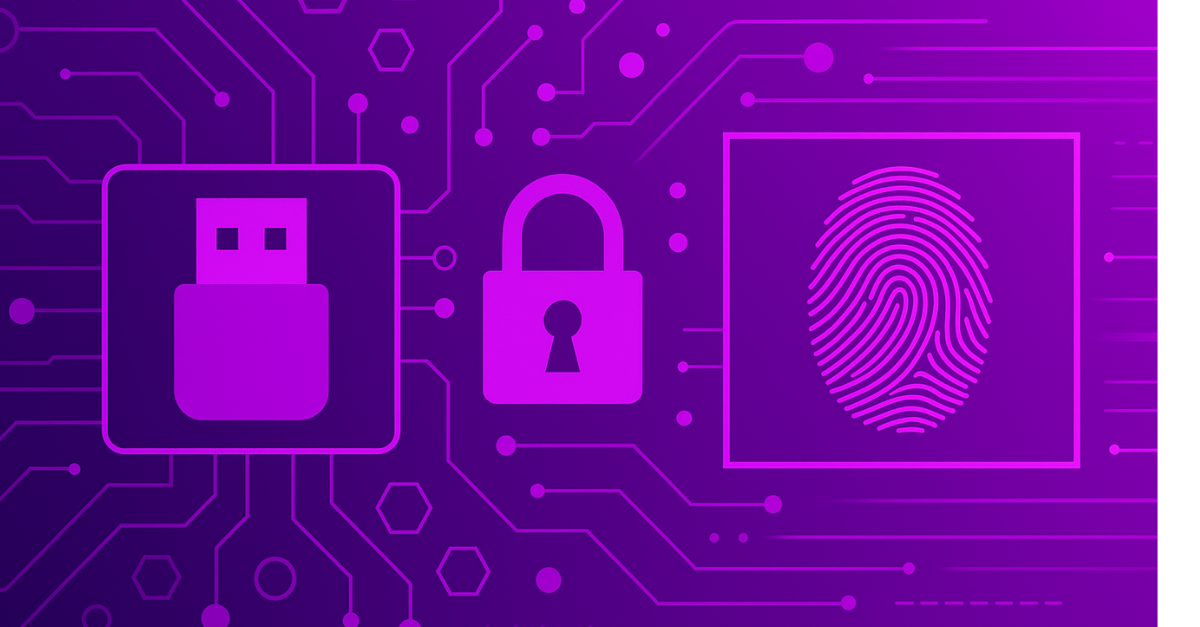
Passkeys are a genuine step forward from passwords. They use cryptographic key pairs instead of credentials you type and remember. The private key never leaves your device. The site you are logging into never sees it. There is nothing to phish, nothing to guess and nothing to leak in a breach.
That matters. Most data breaches start with stolen or weak credentials. Passkeys remove that attack surface.
But passkeys are not a complete solution for enterprise security. Several specific scenarios leave organizations exposed. This guide explains how passkeys work, where they are genuinely strong and where the gaps are.
What Are Passkeys?
A passkey is a FIDO2/WebAuthn credential. Rather than typing a password, the user unlocks a cryptographic key stored on their device through a fingerprint or face scan. The device signs a challenge from the site being logged into. The private key never leaves the device. The site only ever sees the public key and the signed response.
This design closes two major attack vectors that passwords leave open. Phishing fails because there is no password to capture. The site receives a cryptographic response, not a credential a proxy can intercept and replay. Credential stuffing also fails because there is no password in a breach database to reuse. The private key was never exposed.
Why Passkeys Are a Step Forward
For most consumers and many business users, passkeys solve the problems that have made credential-based attacks so persistent.
Passwords get stolen in breaches and reused across accounts. Passkeys have no reuse risk. There is nothing to steal from a server. The credential only exists on the enrolled device.
Phishing sites harvest passwords in real time. Passkeys are origin-bound. A credential registered to a specific domain generates a response that only resolves correctly for that domain. A fake site cannot produce a valid challenge.
For organizations replacing SMS-based MFA or eliminating passwords entirely, passkeys are a defensible move. The attack surface shrinks meaningfully compared to what came before.
Where Passkeys Leave Enterprises Exposed
Three specific scenarios leave enterprises exposed even after passkey deployment.
Cloud sync exposes the credential store. Consumer passkeys sync through the user’s cloud account, Apple or Google. If that account is compromised, every passkey synced through it is accessible to the attacker. Enterprise IT teams have no visibility into or control over the cloud accounts employees use for personal passkey storage. A breach of one cloud account can expose the passkeys for every service that employee has registered.
Fallback methods create a backdoor. Most passkey implementations include fallback options such as SMS codes, email reset links or device PINs. These exist to handle locked-out users. They are also the path an attacker takes when the primary factor is too strong to attack directly. A passkey protected by an SMS fallback inherits the weaknesses of SMS authentication.
Consumer devices are not enterprise hardware. Passkeys stored on a personal phone or laptop live on a device the IT team does not manage, cannot remotely wipe reliably and has no control over if it is jailbroken or running outdated software. Device theft puts the passkey in the attacker’s hands. A device without biometric lockout enforced at the credential level is vulnerable.
TokenCore™ Wearable and TokenCore™ Portable: Built for the Real World
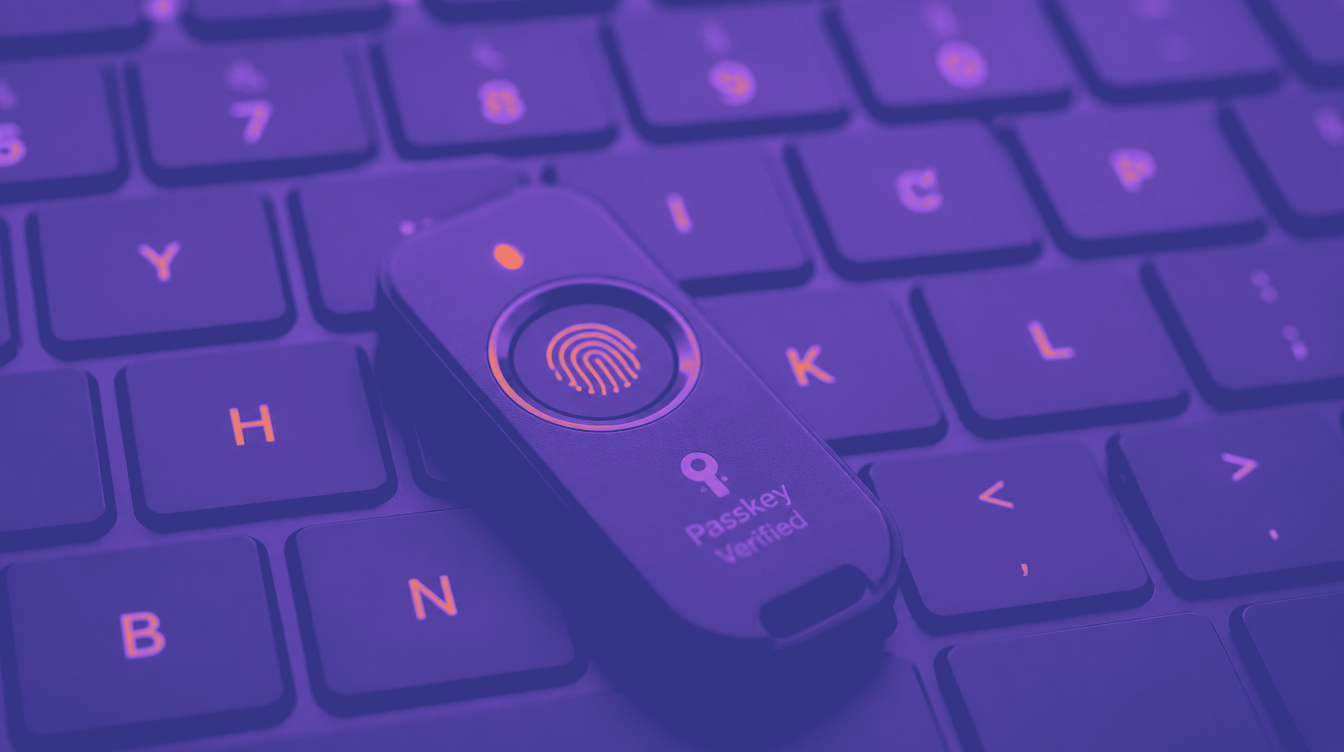
TokenCore™ Wearable and TokenCore™ Portable are physical authentication devices that combine four things:
- FIDO2-Based Cryptography
- Biometric fingerprint verification
- Proximity-based access control
- Origin Binding
Here’s what sets Token apart:
- Credentials Are Bound to a Physical Device
Unlike passkeys, which can float across devices via the cloud, Token stores credentials locally on tamper-proof hardware. The cryptographic private key never leaves the device—and there’s no syncing, cloning, or replaying it.
If a hacker steals your phone, they get nothing. If they compromise your cloud account, they still get nothing. Your Token device holds the only copy of your login keys.
- Biometric Match Is Required
Logging in with Token isn’t just about “having the device”—you must also provide a live fingerprint match.
Unlike Face ID or fingerprint unlock on a phone—which are software-based and can be spoofed—Token’s biometric sensor is built into the hardware. No fingerprint match = no access. Even if the device is stolen, it’s worthless.
- Proximity
Token authenticators only work when they’re physically next to the machine logging in. Not nearby. Not across the room. Within feet.
If a hacker’s trying from a remote spoofed system? Game over. The device won’t respond.
- Cryptographic Origin Verification
Every credential in a Token device is locked to a specific domain. When you try to log in, the site must cryptographically prove its identity. If you’re on a spoofed or fake website, Token simply won’t respond.
This is where Token slams the door shut on phishing. A fake login page could trick a passkey—or an authenticator app—but Token knows the difference, and it refuses to authenticate if the domain isn’t exactly right.
Why Token Beats Passkeys in Every Critical Category
| Feature | Passkeys | TokenCore™ Products |
| Phishing-Resistant | ✅ Yes (protocol level | ✅✅ Yes (protocol + hardware enforcement |
| Biometric Validation | ⚠️ Software-based (device OS) | ✅ Hardware biometric sensor, live match |
| Cloud Exposure | ⚠️ Synced across devices | ✅ Never leaves the device |
| Credential Replay Risk | ⚠️ Possible | ✅ Cryptographically bound per domain |
| Spoofed Site Protection | ✅ Protocol check | ✅✅ Hardware refuses spoofed origins |
| Fallback Bypass Risk | ✅ Allows backup logins | ✅ No fallback, no password, no SMS |
| Device Theft Protection | ⚠️ Vulnerable unless locked down | ✅ Biometric lockout by default |
| Implementation Difficulty | ⚠️ Requires ecosystem integration | ✅ Deployable in 1 day, works with SSO/IdPs |
| Convenience | ✅ User-friendly | ✅✅ Seamless with physical presence |
Security Doesn’t Have to Be Hard
The beauty of Token’s approach is that it’s not just more secure—it’s easier. You don’t need to sync accounts or remember backup keys. There’s no app to open, no code to type, no prompt to approve.
You just:
- Use TokenCore™ Portable on your desk (or wear your TokenCore™ Wearable),
- Tap your fingerprint,
- And you’re in.
It’s the most intuitive form of authentication available—and the most secure.
Why Convenience Matters in Security
We often treat security and usability as opposites. But they don’t have to be. The most secure system is the one that’s easy to use—and that users actually use.
That’s where Token excels. It removes the complexity and guesswork from the login process. It doesn’t rely on user decisions, like recognizing phishing attempts or verifying device prompts. It automates trust, validates identity with biometrics, and cryptographically ties authentication to a single destination.
No shared secrets. No risk of reuse. No cloud leaks. No mistakes.
Final Thoughts: Don’t Settle for "Better Than Before"
You already put employees on MFA and Auth Apps only to find out they offer zero security today. They lasted about a year. Why make that mistake again?
Passkeys are a small evolution—but Token is the revolution. In a world where phishing, spoofing, and real-time MFA relays are everywhere, “good enough” just isn’t good enough. It’s a waste of your time.
TokenCore™ Products offer the strongest protection on the market—and do it in a form that’s easy to roll out across an enterprise in a single day.
If you’re serious about security, it’s time to go beyond passkeys. It’s time to go Token.
Ready to protect your workforce with truly phishing-proof authentication?