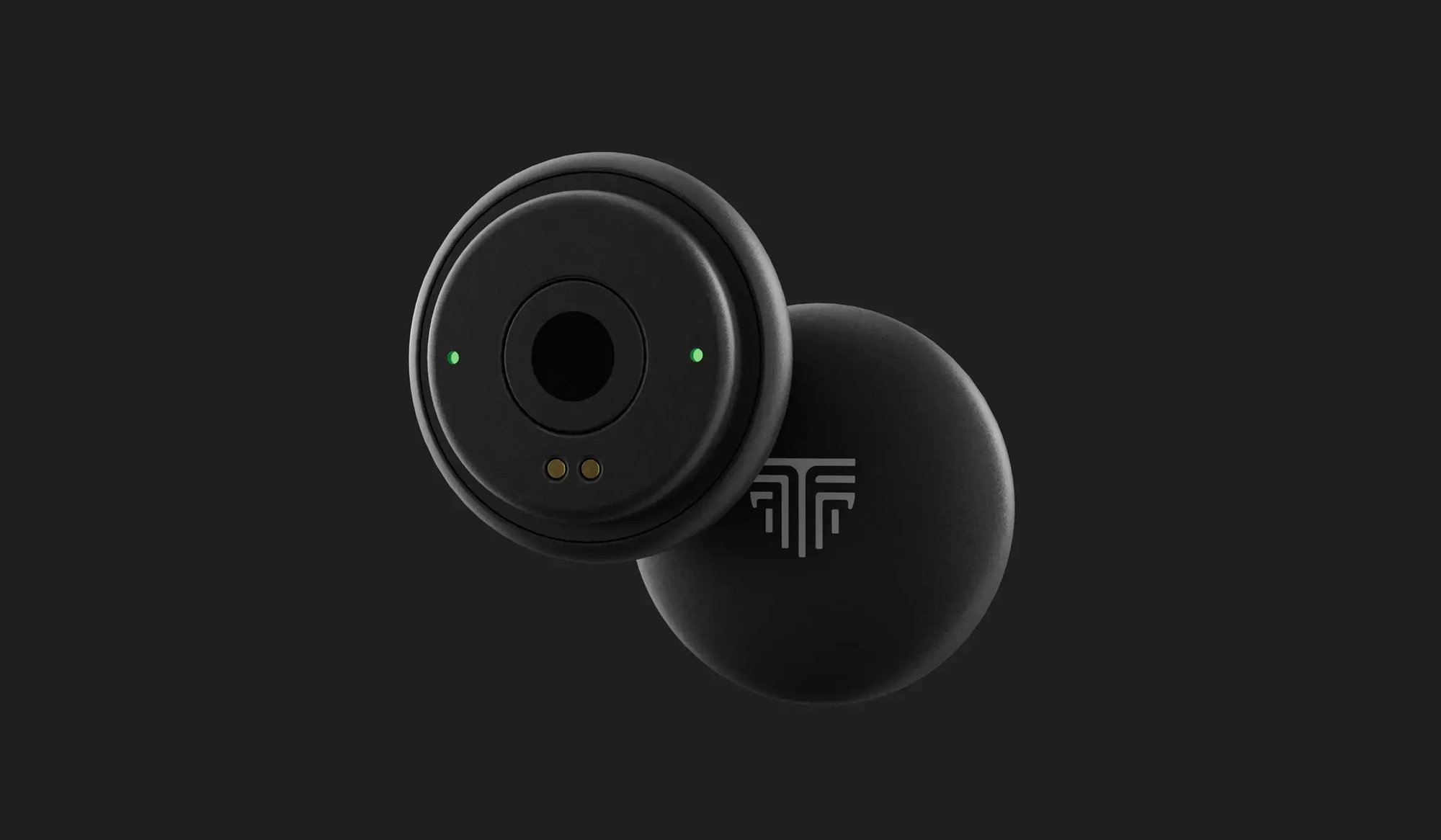
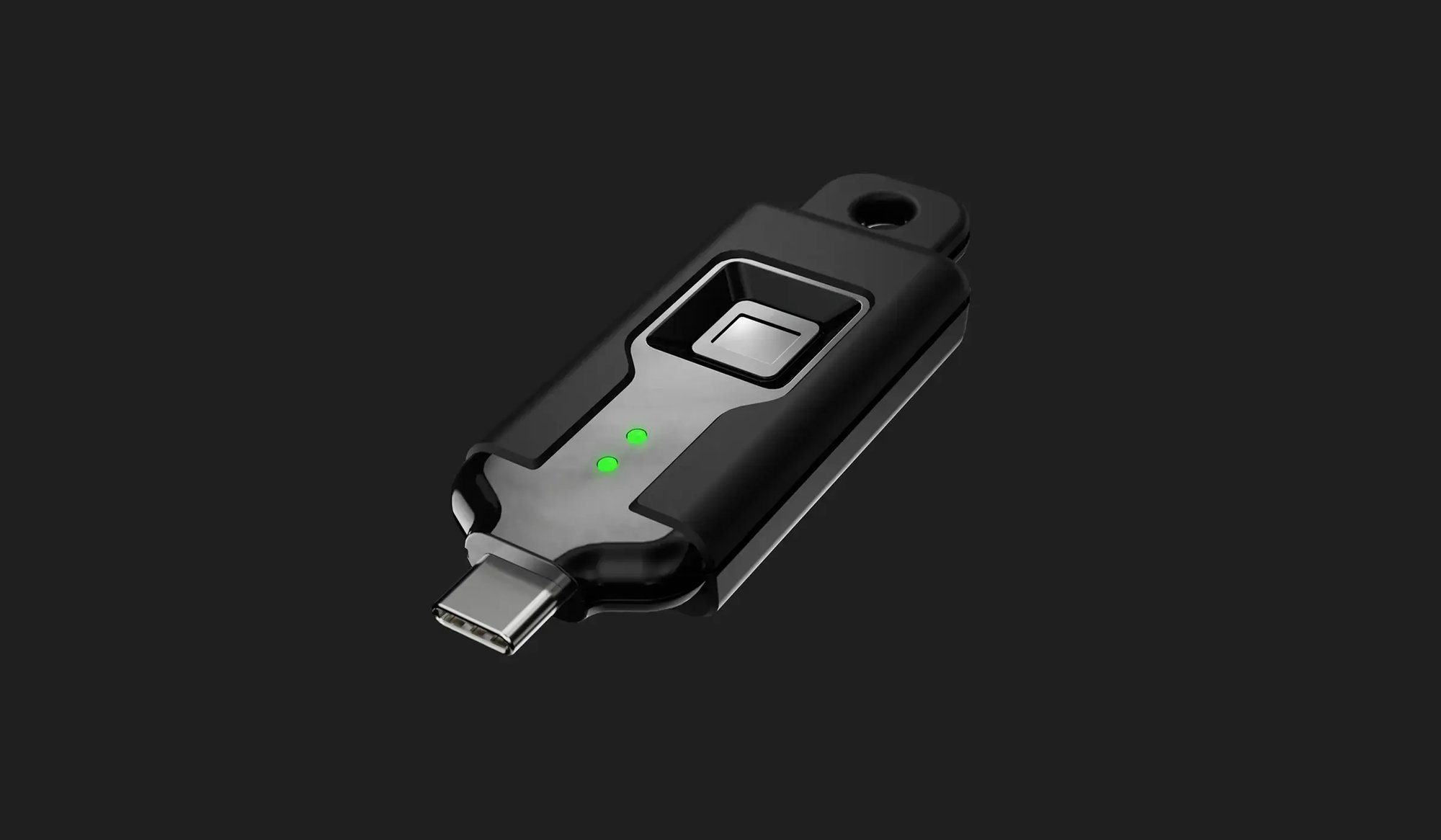
FIDO2 Passwordless Authentication
TokenCore™ uses the FIDO2 standard to replace passwords with hardware-backed authentication. A key pair is created on the key itself. The private half never leaves it, and the service only ever sees the public half. Authentication runs on cryptographic keys instead of passwords, so there is no shared secret and no credential to steal.
- Public key cryptography
- Passwordless sign-in
- Phishing-resistant authentication
- Secure authentication without shared secrets
- Cross-platform compatibility
- Support for passkeys

Biometric Fingerprint Enforcement
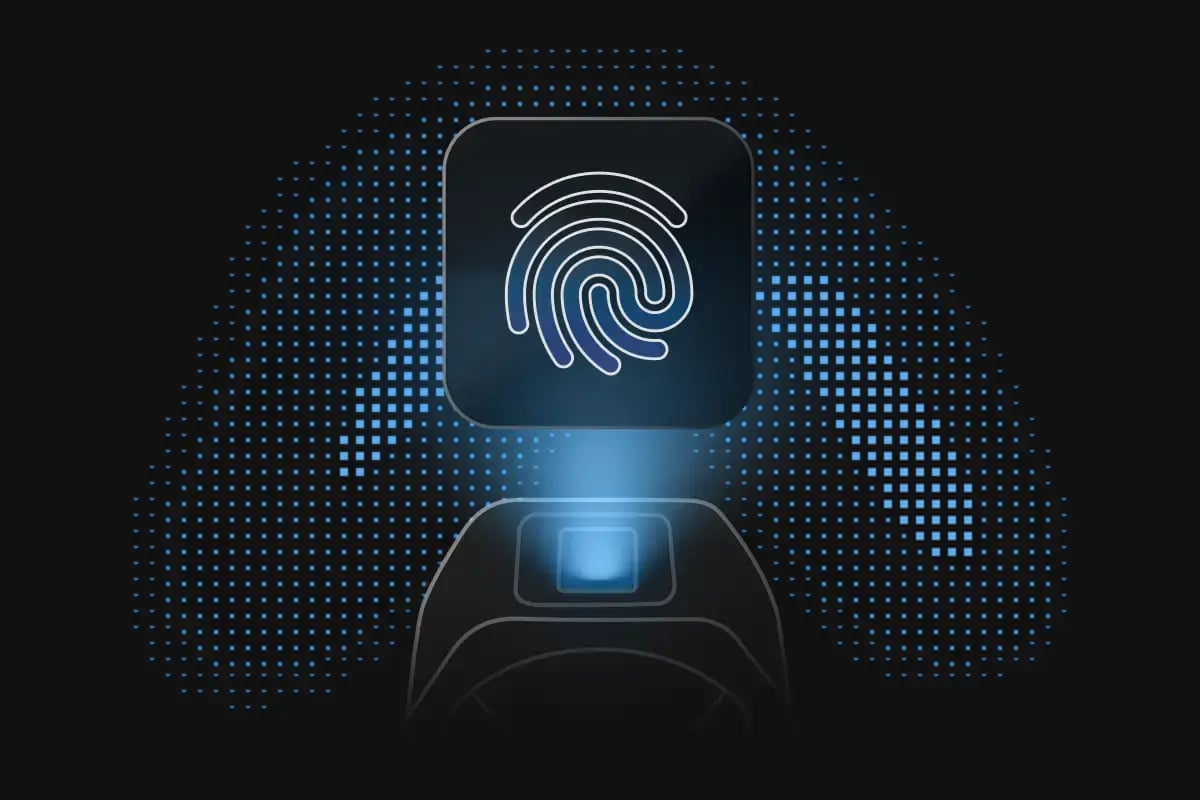
Supported TokenCore™ products require fingerprint verification before authentication completes. The match happens on the key, inside an EAL5+ certified secure element, and your biometric data stays there. Authentication requires both the key and the authorized person. Lose one and access does not happen.
- Fingerprint verification performed on the device
- Biometric data remains securely stored on the device
- Ensures the registered user is present
- Prevents unauthorized use if a device is lost or stolen
- Adds an additional layer of identity assurance
Cryptographic Domain Binding
Every credential is bound to the domain it was registered with. A convincing copy of your bank's login page can look identical and still receive nothing, because the credential it is asking for does not exist there. Phishing is not reduced. The attack has nothing to work with.
- Credentials are bound to the registered domain
- Prevents authentication on spoofed or fraudulent websites
- Protects against phishing attacks
- Works seamlessly with FIDO2 authentication
- Strengthens trust between users and online services
Proximity-Based Assurance
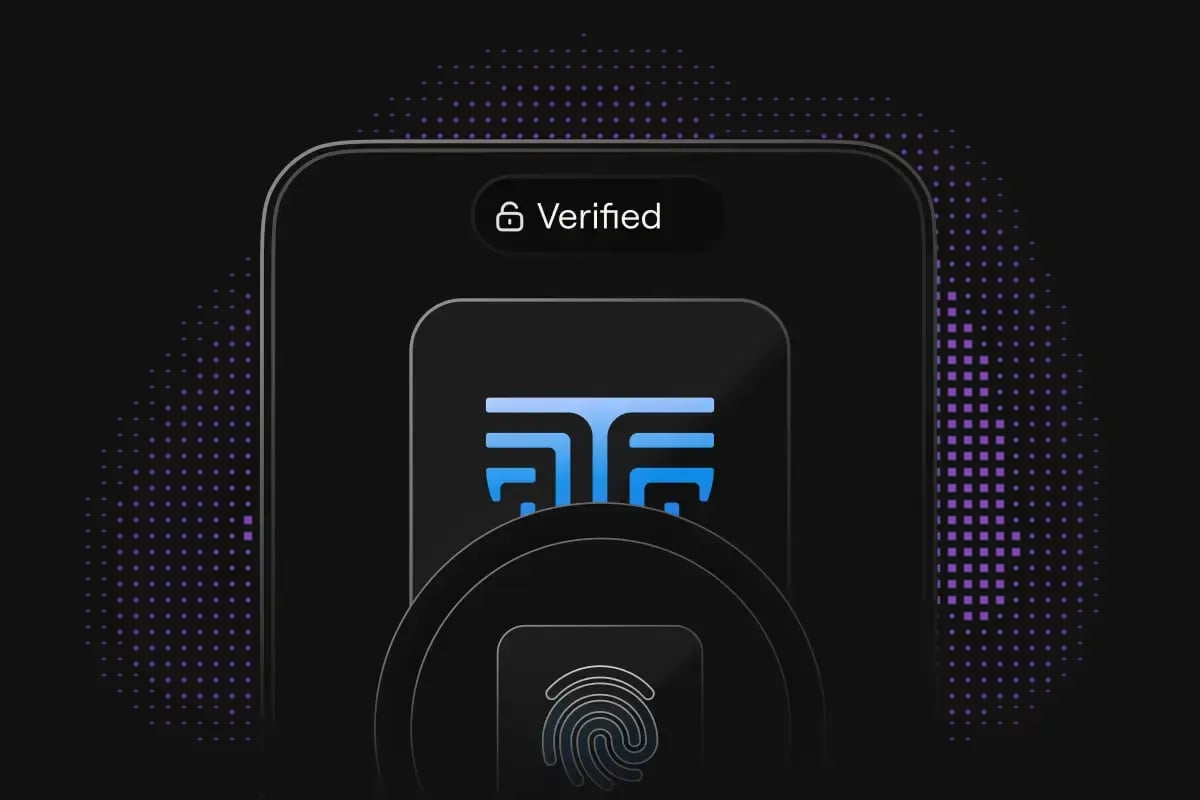
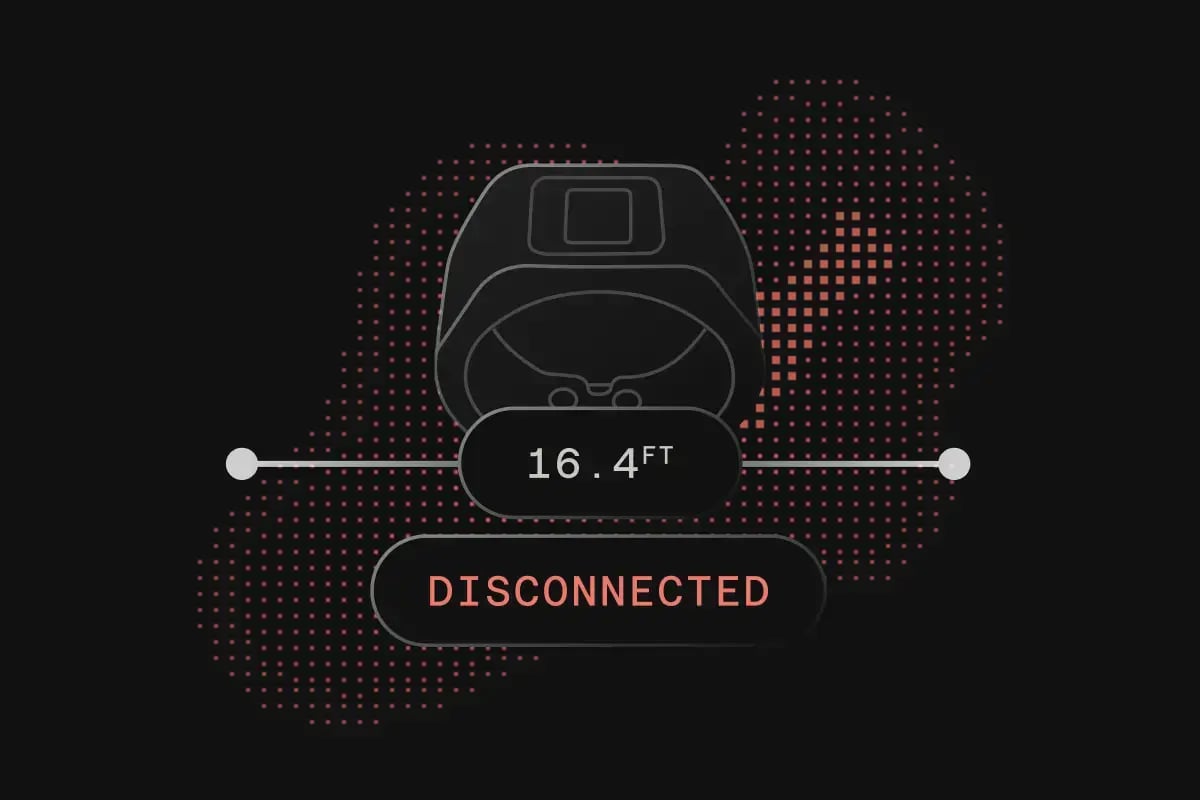
Supported TokenCore™ products confirm the authorized key is physically nearby before access is granted. Sign-in stays fast in shared spaces and on borrowed screens, because presence is proven rather than assumed. The authorized person is there, or the session does not open.
- Detects when the authorized security key is nearby
- Supports secure authentication in shared environments
- Helps verify user presence
- Enables seamless authentication experiences
- Reduces friction without compromising security
Mobile Apps


Desktop Apps