Pixel-Perfect Phishing Attacks and How They Bypass Legacy MFA
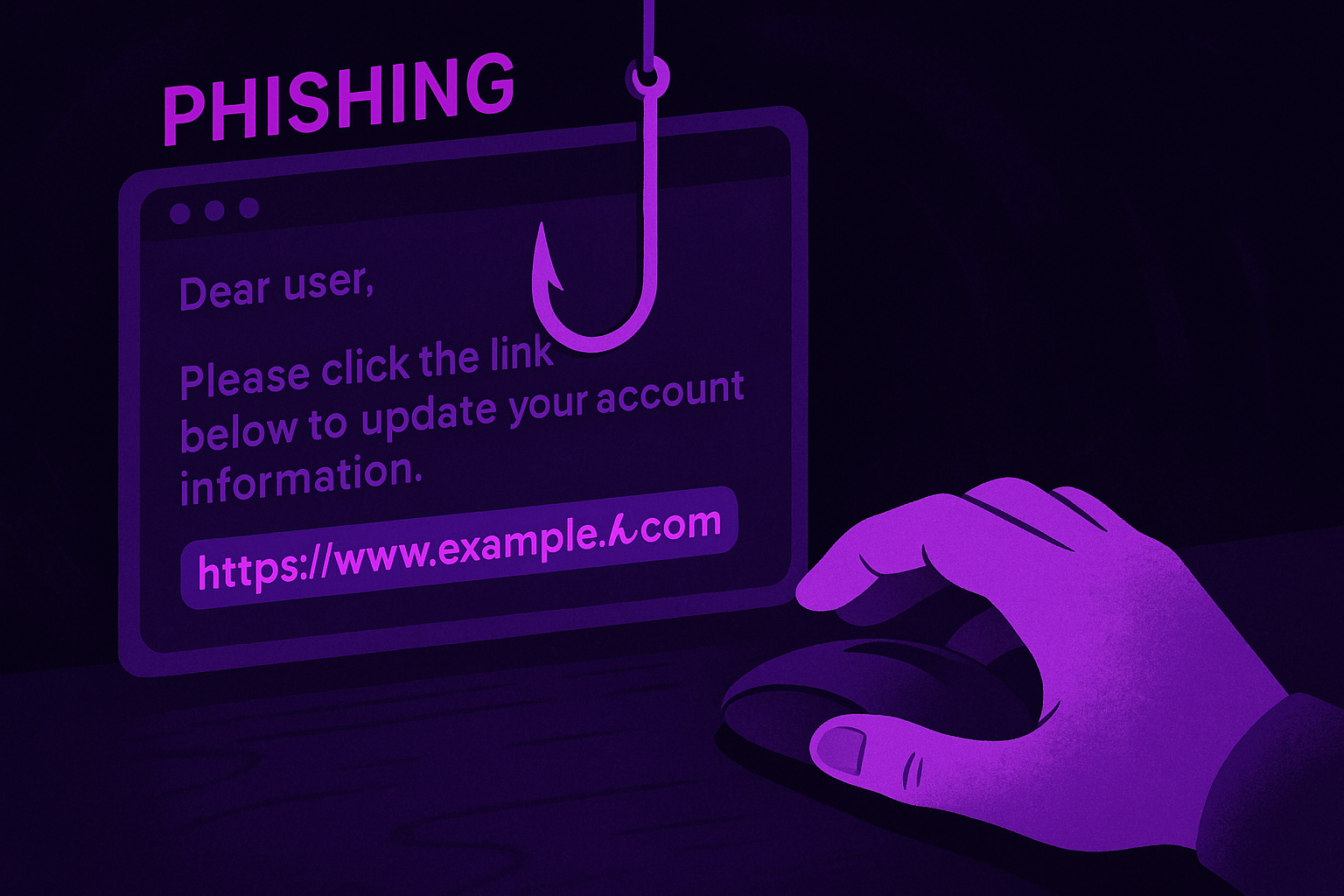
Phishing attacks no longer rely on obvious tells. Misspelled words, generic greetings, and suspicious domains are yesterday’s problem. Today, the most effective phishing campaigns use Unicode characters that look identical to the characters they replace. The fake URL looks real. The fake site looks real. There is nothing for the human eye or most security tools to catch. The deception happens at a level most people never inspect.
The Booking.com Attack
A recent campaign targeting Booking.com customers shows exactly how these attacks are constructed.
Attackers registered a domain using the Japanese Hiragana character ん (Unicode U+3093) in place of a standard character in the URL path. In most browsers and email clients, ん is visually indistinguishable from the character it replaces.
Nothing looks wrong.
Phishing emails directed customers to what appeared to be a legitimate Booking.com link. The visible URL looked correct. The actual hyperlink resolved to the attacker’s domain. Customers who clicked were redirected to a page serving a malicious installer. The installer dropped infostealers and remote access Trojans designed to harvest credentials, session tokens, and payment data.
The attack required no mistake from the victim. No misplaced trust in a suspicious-looking email. The deception happened at the character level, and the character level is not something users inspect.
The Intuit Attack
A parallel campaign targeted Intuit users using a different substitution.
Attackers registered lntuit.com, replacing the lowercase i with a lowercase L. In Arial, Helvetica, and most default email fonts, the two characters look identical. The domain reads as Intuit. It resolves somewhere else.
This is a homoglyph attack.
Homoglyphs are characters that are visually identical or near-identical but have different Unicode values. The technique works because humans read words as shapes rather than sequences of individual characters. The brain recognises the shape of Intuit and does not inspect each letter. Security tools scanning for suspicious domains look for deviations from the expected. A single character with an identical appearance produces nothing to flag.
Users see a familiar brand. They trust what they see. They enter their credentials. The attacker captures them.
How These Attacks Bypass Legacy MFA
Getting credentials is not the end of a pixel-perfect phishing attack. It is the beginning.
Modern phishing kits operate as real-time relays. The phishing site sits between the victim and the legitimate login portal. When the victim enters credentials on the fake site, the attacker’s server passes those credentials directly to the real site. The real site responds by triggering an MFA challenge. The fake site mirrors that challenge back to the victim. The victim responds. The attacker forwards the response to the real site. The real site grants access.
The entire exchange takes seconds. The MFA code is valid. The session is legitimate. The victim has no indication that anything went wrong. The attacker has full access.
SMS codes, time-based OTPs, and push approval notifications all fail against this pattern. So do standard passkeys that rely on transferable codes. Any MFA factor that can be relayed can be stolen.
Why Only Token Stops It Cold
TokenCore™ Wearable and TokenCore™ Portable are architected to counter exactly this class of attack. Here’s why the relay chain collapses:
- Origin Binding: Every Token login is cryptographically bound to the exact domain it was registered on. When faced with www-account-booking.com or lntuit.com, Token refuses to respond. The spoofed site can’t trick the device into signing.
- Biometric Verification: Every Token login requires a live fingerprint. Remote relays and copied sessions fail outright.
- Proximity Enforcement: Token devices only operate when physically near the login device. Remote attackers never bridge that gap.
- No Shared Secrets: Unlike SMS codes or OTPs, Token never shares reusable credentials. The private key never leaves the device. There’s nothing to intercept, replay, or relay.
- Silent Failure: Spoofed sites simply get no response. The attacker gets nothing, the user sees failure, and no confusion or misleading success screens allow stealthy intrusion.
What This Means Now
Thanks to generative AI and accessible phishing kits, launching hundreds of pixel-perfect phishing pages, complete with Unicode or typographic traps, is trivially easy. Defenders and awareness training simply can’t keep up. Even security teams warn users to stop trusting SMS and push as secure MFA—they’re being bypassed every day.
The reality is brutal: Legacy MFA and Auth Apps are no defense—they are the attack vector.
Conclusion
Phishing is evolving and getting more precise. Homoglyph attacks using “ん” to mimic directory paths or “l” to fake “i” are becoming weaponized tricks, impossible for users to reliably detect. And when these meet real-time relay proxies, traditional MFA falls apart.
But defenders aren’t powerless. With Token’s domain-bound, biometric, proximity-based authentication, these phishing chains are dead on arrival. No credentials, no approvals, no relay—just failure. Token isn’t one more tool in the belt. It’s the deadbolt that these attacks fail to bypass.
Legacy MFA is overmatched. USB security keys were a step, but fall far short of zero-trust ideals. Token is the only way to turn the dial on phishing—now and for good.
Speak with an Expert to learn how Token can protect your organization.